
Product photos rarely need dramatic editing. Most of the time, they need practical improvements. You want to remove distractions, clean up the background, fix lighting, sharpen the result, and make the product look clear and trustworthy without spending half an hour in a traditional editor.
That is exactly where a modern AI image editor can help. Instead of treating every image like a design project, a strong online AI image editor lets you make focused changes with far less friction. For e-commerce teams, solo sellers, and creators working on product shots, that shift matters a lot.
If you want to try that workflow on your own images, you can start from the AI Image Editor homepage, where prompt-based editing, cleanup, enhancement, and background changes all happen in one place.
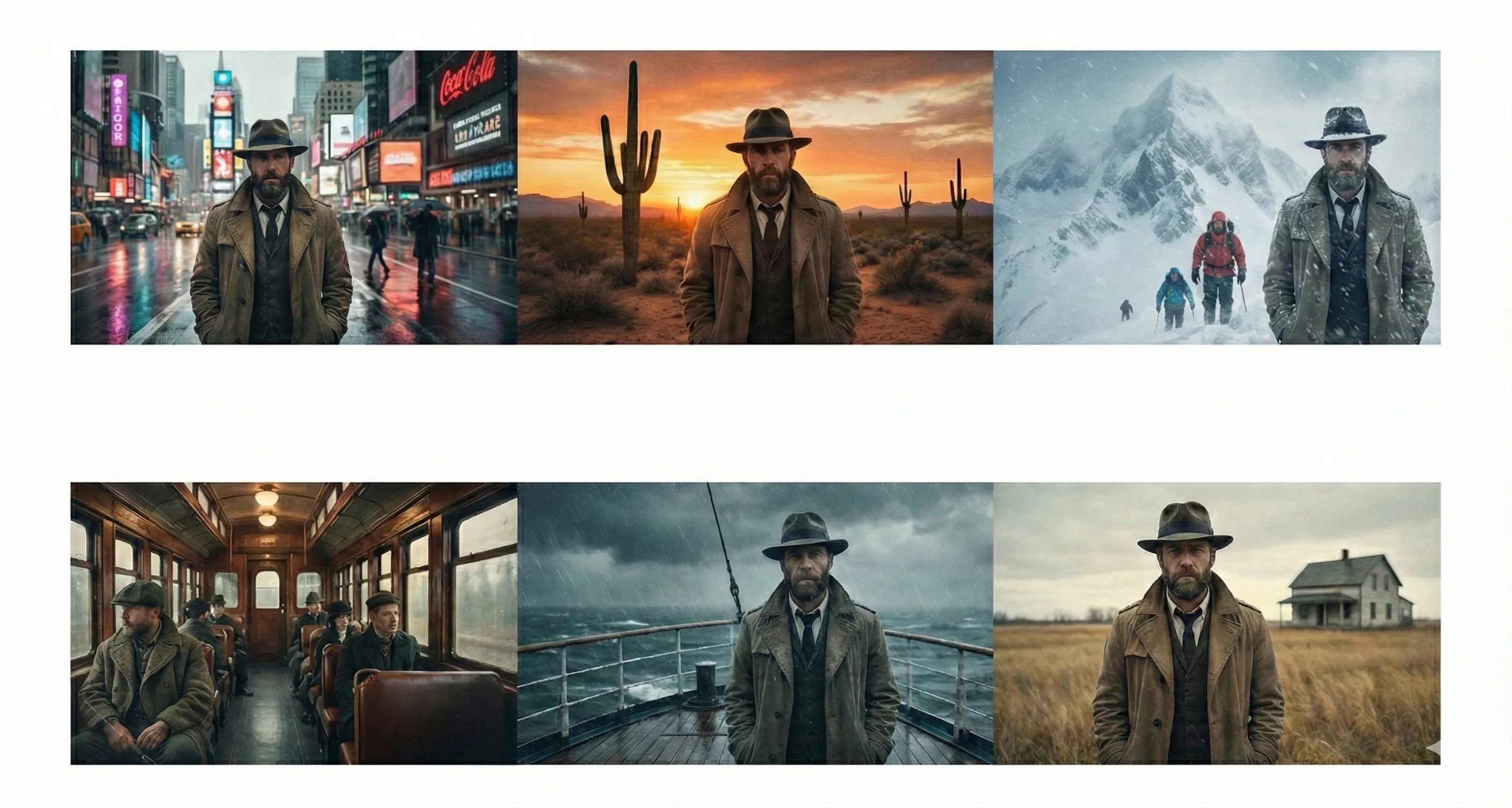
AI Image Editor helps you clean up product photos, improve backgrounds, and prepare sharper visuals for listings, ads, and social content.
Why product photos are a good use case for an AI image editor
A product image usually has a very clear goal. It needs to make the subject look clean, accurate, and appealing. That sounds simple, but the actual work can be repetitive:
- removing small distractions
- cleaning up uneven backgrounds
- improving clarity
- fixing shadows or lighting balance
- making the image feel more polished without changing the product itself
This is why an AI image editor online can be so useful in product workflows. You are not asking it to invent a completely new scene from scratch. You are asking it to improve an existing image while keeping the product consistent. That is a much more practical kind of editing, and it is often where AI tools are most valuable.
What a good AI image editor should do for product photos
Not every image editor AI is equally good at product work. Product images are less forgiving than casual photos because small mistakes are easier to notice. If the edge of the product looks broken, if the shape changes, or if reflections disappear in a strange way, the image can lose credibility immediately.
For product photos, a strong AI image editor should do a few things well:
- keep the product shape consistent
- preserve important details like texture, labels, and edges
- remove background distractions without creating obvious artifacts
- improve the overall image without making it look synthetic
- let you make targeted changes with a simple prompt
That is the difference between a tool that feels useful and one that just feels trendy.
Common product photo jobs an AI image editor can speed up
Background cleanup
One of the most common use cases for an AI image editor is cleaning up the environment around the product. Maybe the original shot has clutter, uneven shadows, or a distracting setting that pulls attention away from the item itself.
Instead of rebuilding the whole image manually, you can use prompt-based editing or object cleanup to simplify the scene and keep the focus where it belongs.
Background replacement
Sometimes the best answer is not to clean the original background, but to replace it entirely. A product may need a cleaner white backdrop, a softer lifestyle setting, or a more consistent branded look across multiple listings.
This is where an AI image editor with prompt support becomes especially useful. You can guide the style of the result instead of making every change manually. The key is using a tool that keeps the subject grounded in the new scene rather than making it look pasted in.
Detail cleanup
Small imperfections often matter more than big ones in product images. Dust, reflections, tiny distractions, unwanted props, and background noise can all weaken the final result even if the overall photo is good.
A strong online AI image editor can help remove those issues quickly, which is especially useful when you are working through a large set of product images and cannot afford to retouch every frame by hand.
Sharpening and enhancement
Sometimes the image is already good, but it still needs more clarity for a product listing, ad creative, or social post. In those situations, enhancement matters more than transformation.
The best result is usually subtle. You want the product to look clearer and more polished, not oversharpened or artificially detailed. A good AI image editor should improve definition without damaging the natural look of the photo.
Why prompt-based editing matters for sellers and marketers
One reason AI workflows are getting so much attention is that prompt-based editing lowers the barrier to useful changes. You do not need to think like a retoucher. You can think like the person trying to improve the image.
That might mean writing a prompt like:
- clean up the background and keep the product unchanged
- remove the distracting object behind the bottle
- place the product in a soft neutral studio scene
- improve lighting and sharpness while keeping the original packaging details
The better the AI image editor with prompt support is, the easier it becomes to produce consistent listing images without building every revision by hand.
What to watch out for when editing product photos with AI
AI can save time, but product images need a little more caution than casual social images.
Here are the main things to check after each edit:
- did the product shape change?
- are labels, text, and packaging details still accurate?
- do shadows and reflections still make sense?
- does the background feel natural around the edges?
- would the final image still look trustworthy on a product page?
This is why the best AI image editor for product work is not necessarily the one that makes the biggest change. It is the one that makes the right change while protecting the original subject.
A practical workflow for better product images
If you want a simple system, this usually works well:
- Start with the cleanest source photo you have.
- Use AI cleanup to remove clutter or distractions.
- Replace or simplify the background only if it helps the product stand out.
- Improve sharpness and clarity carefully.
- Review small details before exporting the final image.
This kind of workflow is one reason so many teams are moving toward AI image editor online tools instead of relying on heavier software for every small revision. The job is still visual, but the effort becomes much lighter.
Final thoughts
An AI image editor is especially useful when the goal is not dramatic transformation, but consistent improvement. Product photos are a perfect example. You usually want cleaner backgrounds, sharper details, fewer distractions, and a result that still feels real.
That is where the right workflow matters more than the longest feature list. If a tool helps you clean up product images quickly, keep the subject accurate, and create stronger listing visuals with less effort, it is already doing the job well. And if you want to test that kind of workflow directly, you can start on the AI Image Editor homepage with the same kinds of images you already use in listings, ads, and content.