
AI Background Changer Free Online for Natural, Fast Background Replacement
Use this AI background changer when the subject already looks good but the setting feels distracting, off-brand, too casual, or simply wrong for the final use. Upload one subject image, then either add a background reference image to guide mood, color, and environment, or describe a new scene with a custom prompt. It works especially well for product photos, professional headshots, profile pictures, campaign mockups, and social content where you want a cleaner background without rebuilding the whole image.
AI Background Changer Tool with Reference Background and Custom Prompt Modes
AI Background Changer
AI Background Changer
Upload one subject photo, then either add a background reference image or describe the background you want from scratch.
The AI background changer keeps the subject from this image. Clear edges and readable lighting usually lead to cleaner background replacement.
In reference mode, the second image is used to guide the background only. The AI background changer should not copy unrelated people or foreground objects from it.
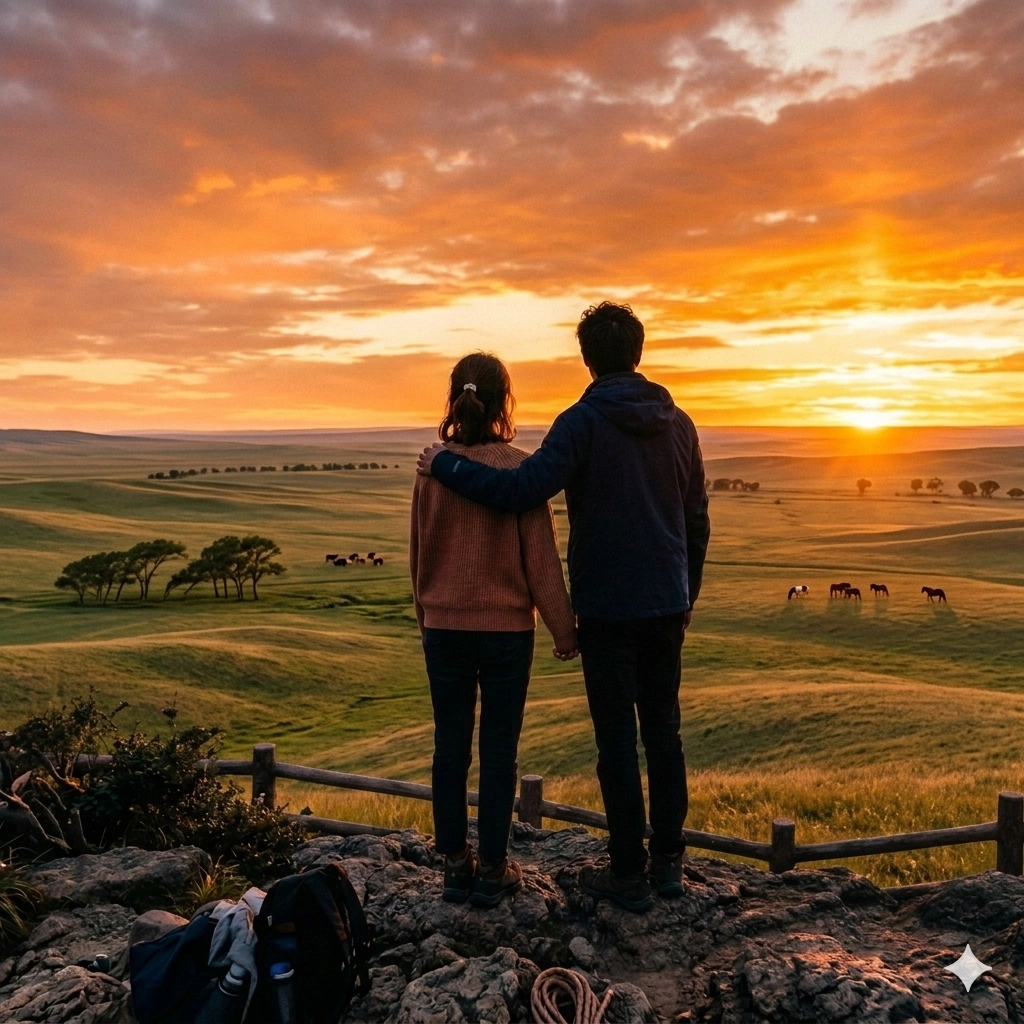
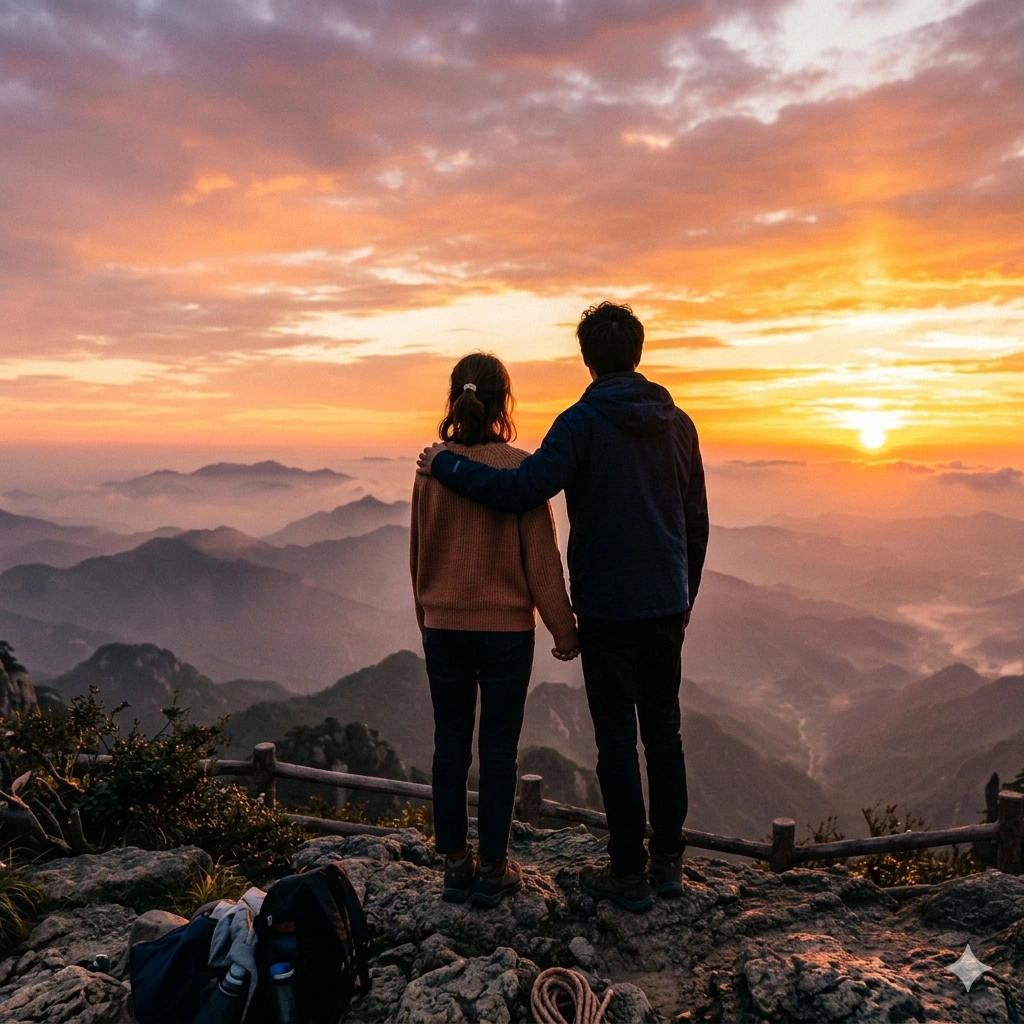
Use the AI background changer with either a background reference image or a custom prompt to create a cleaner final scene.
What Is an AI Background Changer and When Is It Useful?
Reference-Based Background Direction
Prompt-Based Custom Control
Why People Use an AI Background Changer Instead of Editing by Hand
Faster Than Manual Masking
Useful Across Everyday Image Work
How to Use the AI Background Changer
Upload the Subject Image
Choose Reference or Custom Mode
Generate and Download the Result
AI Background Changer Features
Reference Image Background Matching
Custom Scene Prompting
Subject-First Background Replacement
Cleaner Integration of Light and Depth
Quick Browser-Based Workflow
Flexible Use Cases
Built for Fast, Everyday Background Replacement
Users rely on the AI background changer when they need cleaner scenes without slow manual editing.
90K+ Background changes generated
Background changes generated
45K+ Creators, teams, and sellers served
Creators, teams, and sellers served
4.8/5 Average user rating
Average user rating
What Users Say About the AI Background Changer
Feedback from people who need better backgrounds for portraits, product photos, profile pictures, and marketing images.
I use this AI background changer when a product photo is already good but the surroundings are too distracting. It helps me create cleaner listing images much faster than editing every shot by hand.
Olivia Turner, Ecommerce Seller
Olivia Turner
Ecommerce Seller
We test a lot of creative directions for ads. The AI background changer lets us move portraits and product shots into different scene styles without rebuilding every visual from scratch.
Daniel Wu, Growth Marketer
Daniel Wu
Growth Marketer
Reference mode is the part I like most. I can upload a second image to guide the atmosphere, which makes the result feel more intentional than a generic background replacement.
Maya Patel, Freelance Designer
Maya Patel
Freelance Designer
Many clients need a better profile photo but do not have access to a studio. This AI background changer gives them a cleaner business-ready setting in one quick pass.
Chris Morgan, Career Coach
Chris Morgan
Career Coach
For thumbnails and social posts, the background matters almost as much as the subject. I use the AI background changer when I want a stronger visual theme without losing the original pose and expression.
Sophia Lee, Content Creator
Sophia Lee
Content Creator
Custom mode is surprisingly useful. I can describe the kind of showroom or workspace I want, and the AI background changer gives me a usable result quickly enough for everyday content.
Aaron Price, Small Business Owner
Aaron Price
Small Business Owner
Frequently Asked Questions
Common questions about the AI background changer, background replacement, product photos, portraits, and custom scene editing.
If this AI background changer solves the background part of your job but the final file still needs cleanup, many users continue with AI Image Upscaler next, or switch to AI Photo Merge when they need a broader two-image composition workflow.
Ready to Replace Your Background?
Use the AI background changer to build cleaner portraits, better product visuals, and more polished content in minutes. Upload your image, choose a reference or custom mode, and generate a new background now.