
Free AI Image Upscaler Online
Transform blurry, low-resolution photos into stunning 4K or 16K quality. Our AI image upscaler analyzes your image, reconstructs missing details, and delivers sharp, professional results—all for free.
AI Image Upscaler Tool
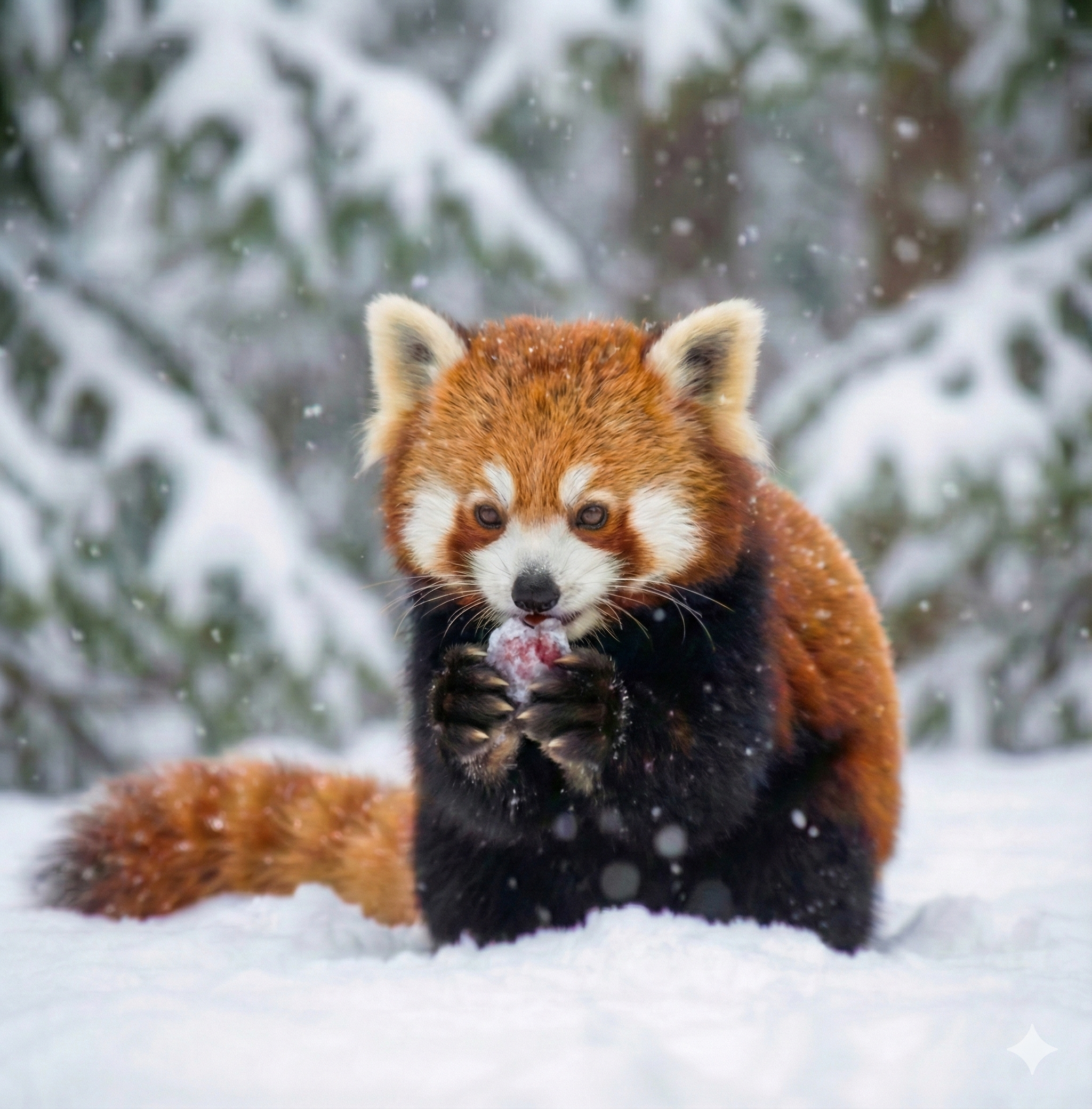
This is a demo preview. Upload your image to get started with the free image upscaler.
What Is an AI Image Upscaler?
Smart Detail Reconstruction
Up to 4K Ultra HD Output
Why Use This Free AI Image Upscaler?
Professional Results, Zero Cost
Works Entirely Online
How to Upscale Images in 3 Steps
Upload Your Image
Choose Output Resolution
Download Your Upscaled Image
Key Features of This AI Image Upscaler
Advanced AI Upscaling Engine
4K and 16K Output Support
Flexible Resolution Options
Smart Enhancement Prompts
Fast Processing Speed
High-Resolution Downloads
Trusted by Thousands of Users
Photographers, designers, and content creators rely on this free AI image upscaler every day to enhance their images.
50K+ Happy Users
Happy Users
500K+ Images Upscaled
Images Upscaled
4.9/5 Average Rating
Average Rating
What People Are Saying
Real feedback from photographers, designers, and content creators who use this AI image upscaler.
I've restored dozens of old family photos with this image upscaler. The detail reconstruction is impressive—faces and textures come out looking natural and sharp. Best free image upscaler I've found.
Sarah Mitchell, Professional Photographer
Sarah Mitchell
Professional Photographer
Product images from suppliers are often low quality. This AI image upscaler makes them look professional, and my conversion rates have improved noticeably. The 4k image upscaler option is perfect for zoom features.
Mike Chen, E-commerce Store Owner
Mike Chen
E-commerce Store Owner
When I need to use an image that's too small for our feed, this upscaler image tool saves the day. The 4x upscaling produces surprisingly good results, and it's completely free.
Emily Rodriguez, Social Media Manager
Emily Rodriguez
Social Media Manager
The preset prompts for different image types are brilliant. I can quickly select the right enhancement mode depending on whether it's a portrait, product shot, or landscape. This image upscaler AI handles everything I throw at it.
David Park, Graphic Designer
David Park
Graphic Designer
We use this free AI image upscaler to enhance screenshots and presentation images. The results are consistently good, and the workflow is simple enough for anyone on the team.
Lisa Thompson, Marketing Director
Lisa Thompson
Marketing Director
Fast, easy, and the results speak for themselves. I've tried other image upscaler tools, but this AI image upscaler free option gives me the most natural-looking enhancements.
James Wilson, Content Creator
James Wilson
Content Creator
Frequently Asked Questions
Common questions about using this AI image upscaler.
If you are building a longer editing workflow, try Add Outline to Image for the next task, or switch to AI Watermark Remover when you need another finishing pass.
Ready to Upscale Your Images?
Try this free AI image upscaler now. Upload your photo and transform it into stunning 4K quality in seconds. No sign up required to get started.