
Free Image to Sketch Converter
Transform any photo into stunning sketch art in seconds. Our image to sketch converter offers 9 artistic styles including pencil, charcoal, watercolor and more. Upload your image and download beautiful sketch artwork instantly.
Image to Sketch Converter Tool
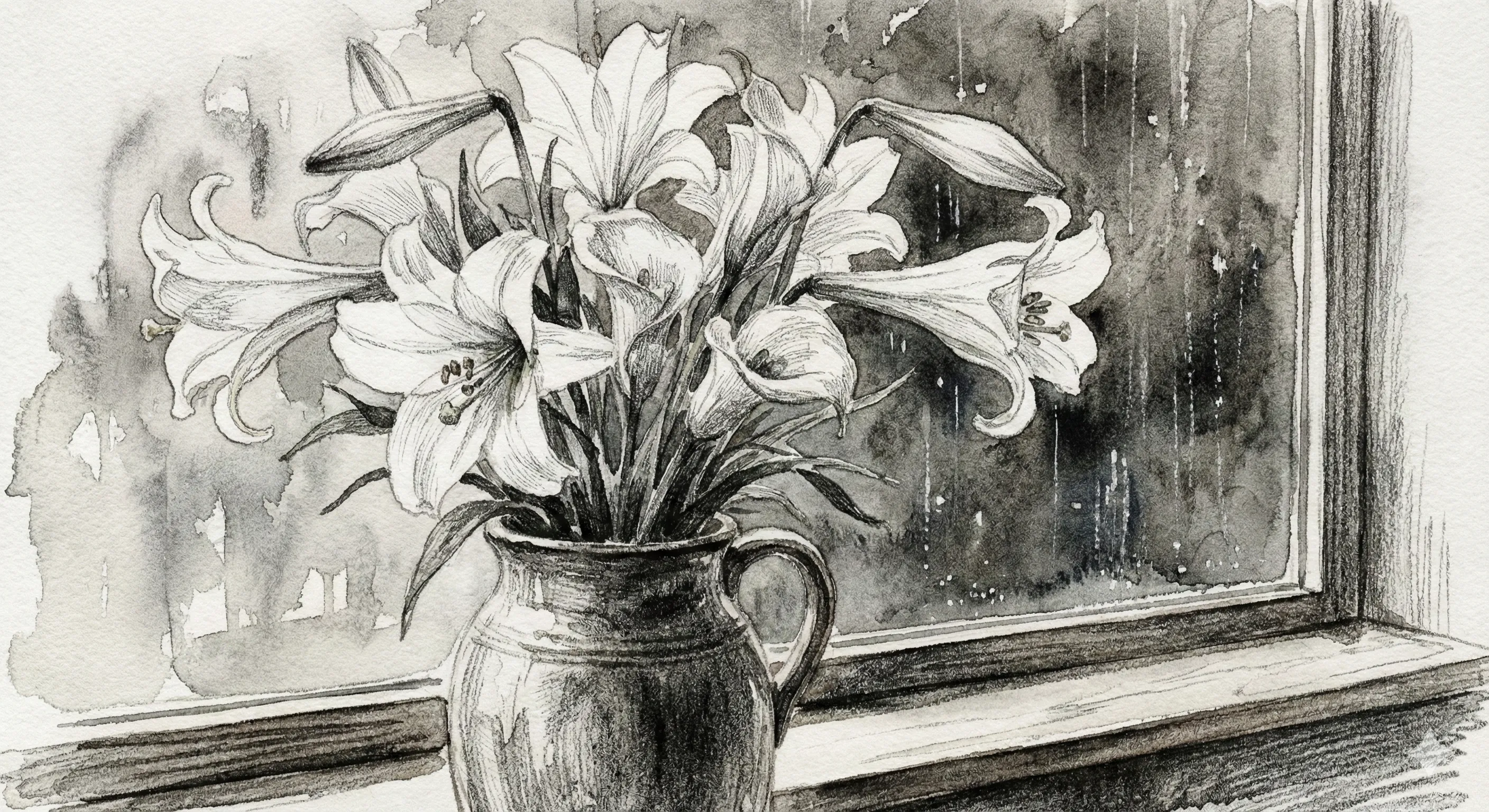
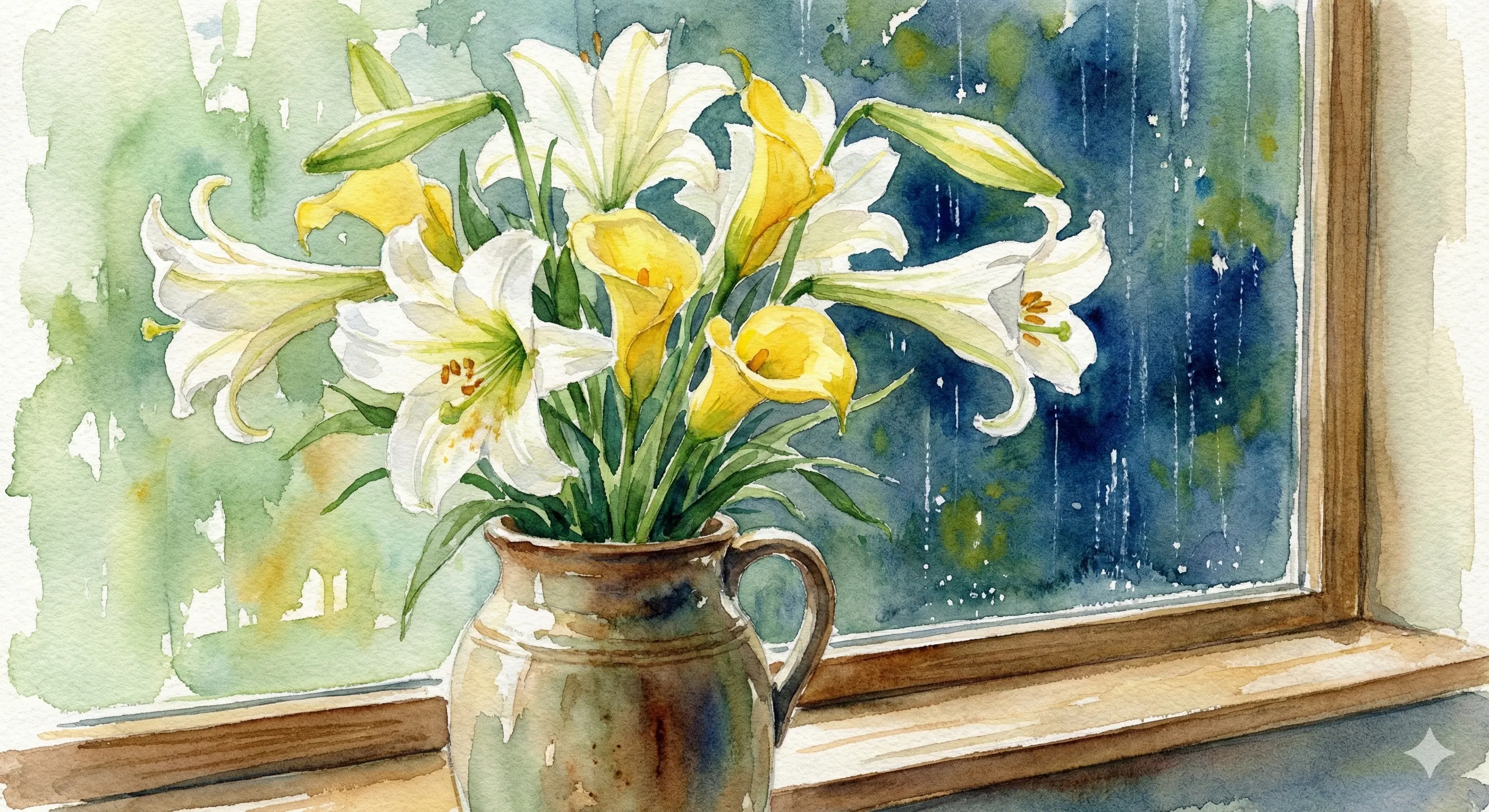
Upload a photo and select a sketch style to get started.
What Is an Image to Sketch Converter?
Multiple Art Styles
Instant Results
Why Convert Image to Sketch Online?
No Art Skills Required
Free Online Access
How to Convert Image to Sketch in 3 Steps
Upload Your Photo
Pick Your Sketch Style
Download Your Artwork
Image to Sketch Converter Features
9 Artistic Styles
Detail Preservation
High Resolution Output
Fast Processing
Works on Any Photo
No Watermarks
Trusted by Artists and Creators
Thousands of people use this image to sketch converter every day to create unique artwork.
100K+ Sketches Created
Sketches Created
50K+ Happy Users
Happy Users
4.9/5 User Rating
User Rating
What Users Say About Our Image to Sketch Tool
Real feedback from artists, designers, and everyday users who convert images to sketch art.
I use this image to sketch converter for client presentations all the time. It turns product photos into elegant pencil sketches that look hand-drawn. Saves me hours compared to sketching manually, and clients love the artistic touch.
Sarah Mitchell, Graphic Designer
Sarah Mitchell
Graphic Designer
My followers always ask how I make those sketch-style posts. This tool converts my photos instantly—I just upload, pick charcoal or pencil style, and download. The results look professional and get way more engagement than regular photos.
James Chen, Social Media Creator
James Chen
Social Media Creator
I show my students what their photos would look like as sketches before they start drawing. This image to sketch AI helps them understand composition and shading. It's become an essential teaching tool in my classroom.
Emily Rodriguez, Art Teacher
Emily Rodriguez
Art Teacher
We offer custom sketch portraits as gifts. This converter handles the initial transformation, then we print on canvas. Customers get beautiful artwork from their photos, and we can fulfill orders same-day.
Michael Park, Gift Shop Owner
Michael Park
Gift Shop Owner
I convert select wedding photos to watercolor sketches as bonus gifts for couples. The image to art sketch converter online creates romantic, timeless pieces they treasure. It's become my signature offering.
Lisa Thompson, Wedding Photographer
Lisa Thompson
Wedding Photographer
I wanted to turn my travel photos into sketch art for a scrapbook. No drawing talent here, but this tool made it easy. The pencil sketch style captures the essence of each place beautifully.
David Kim, Hobbyist
David Kim
Hobbyist
Frequently Asked Questions
Common questions about converting images to sketch art.
If this is only one step in your workflow, many users continue with Add Outline to Image next, or open AI Photo Merge when they want a cleaner final result.
Ready to Create Sketch Art?
Turn your favorite photos into beautiful sketches. Upload an image, pick a style, and download your artwork in seconds. Try the image to sketch converter now.