Style Transform Tools

Use this page as a practical guide to choose the right AI tool for changing hairstyles, testing hair colors, previewing outfits, turning photos into sketch art, or trying age-based creative looks. It is built for users who want a clear path from β€œI want a different look” to the exact tool that fits that transformation.

Style Transformation Is Different from Cleanup or Enhancement

Style transform tools are not mainly about fixing flaws or improving image quality. They are about changing how a person or subject looks: a new haircut, a new hair color, a different outfit, or a more creative visual style. That is why this hub groups look-change tools together. Instead of opening random editors and hoping one fits, you can match the transformation to the task. If your first question is how you would look with a different cut or length, AI Hairstyle Changer is the most direct place to begin.

Task-based look changes

Separate hair, outfit, and creative style changes so you can preview one transformation clearly before moving to the next.

Faster look exploration

Use this page to decide whether your next step is a haircut preview, a color test, an outfit swap, or a more playful style effect.

Style Transform Tools by Change Type

Browse the core tools in this style-transform cluster and jump straight to the one that matches the look you want to test.
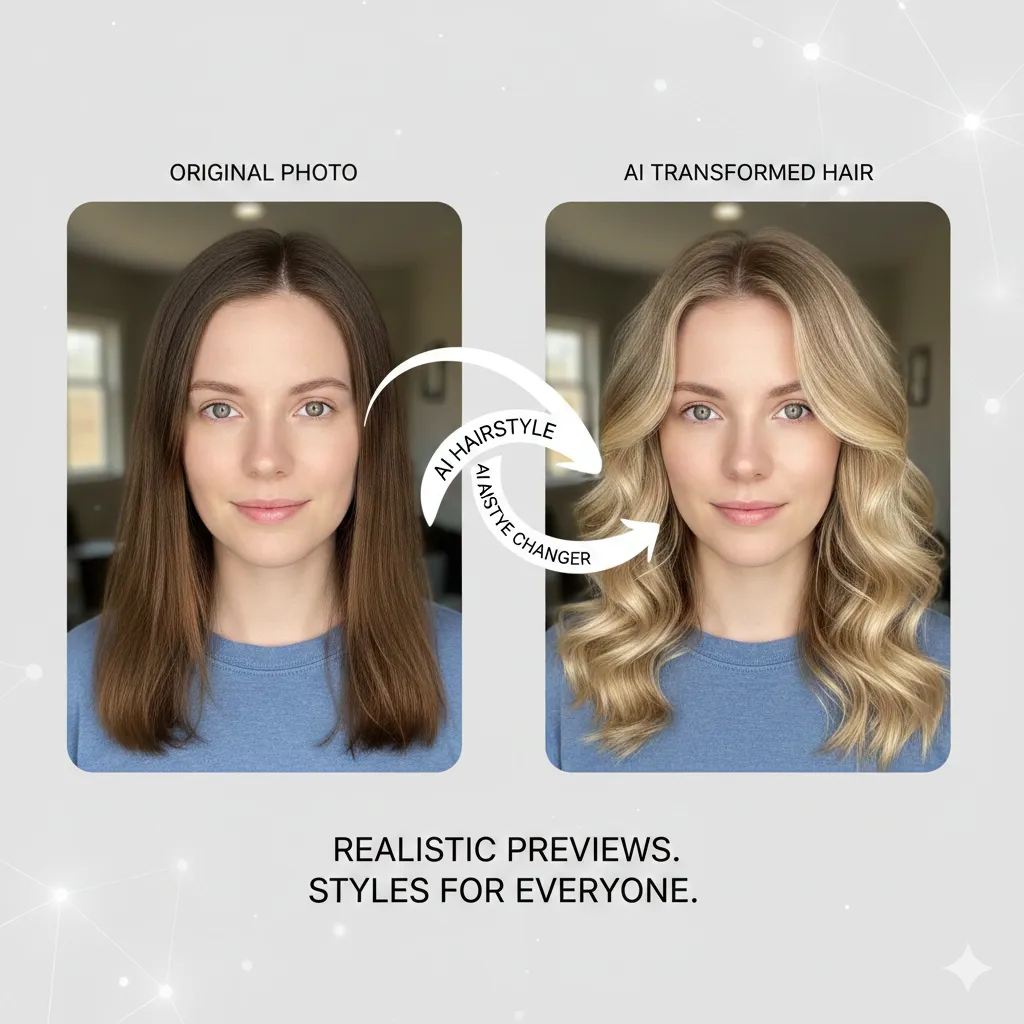
AI Hairstyle Changer preview

AI Hairstyle Changer

Preview different cuts, lengths, and styles before making a real change.
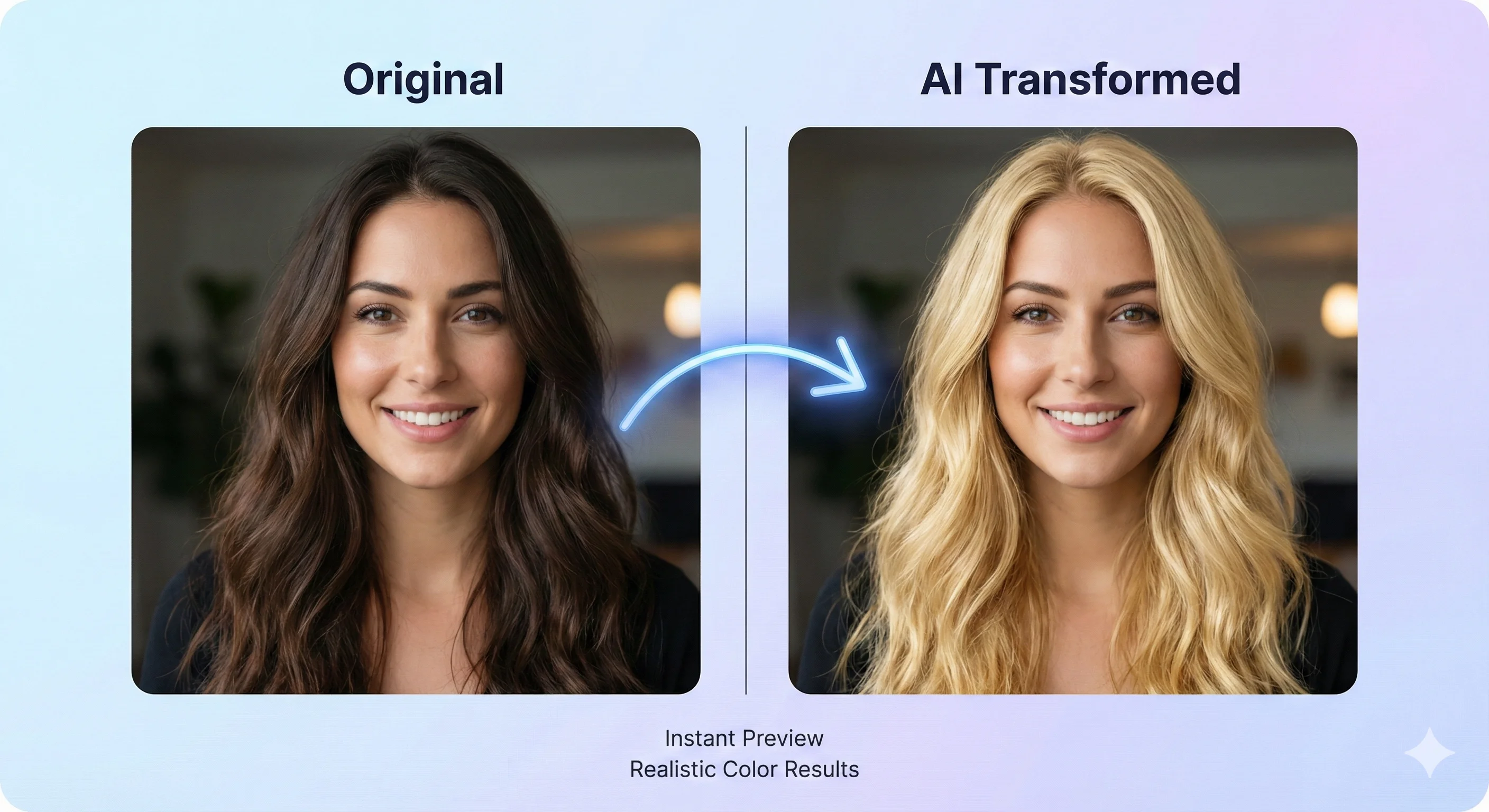
AI Hair Color Changer preview

AI Hair Color Changer

Try new hair colors while keeping lighting, texture, and facial detail more realistic.
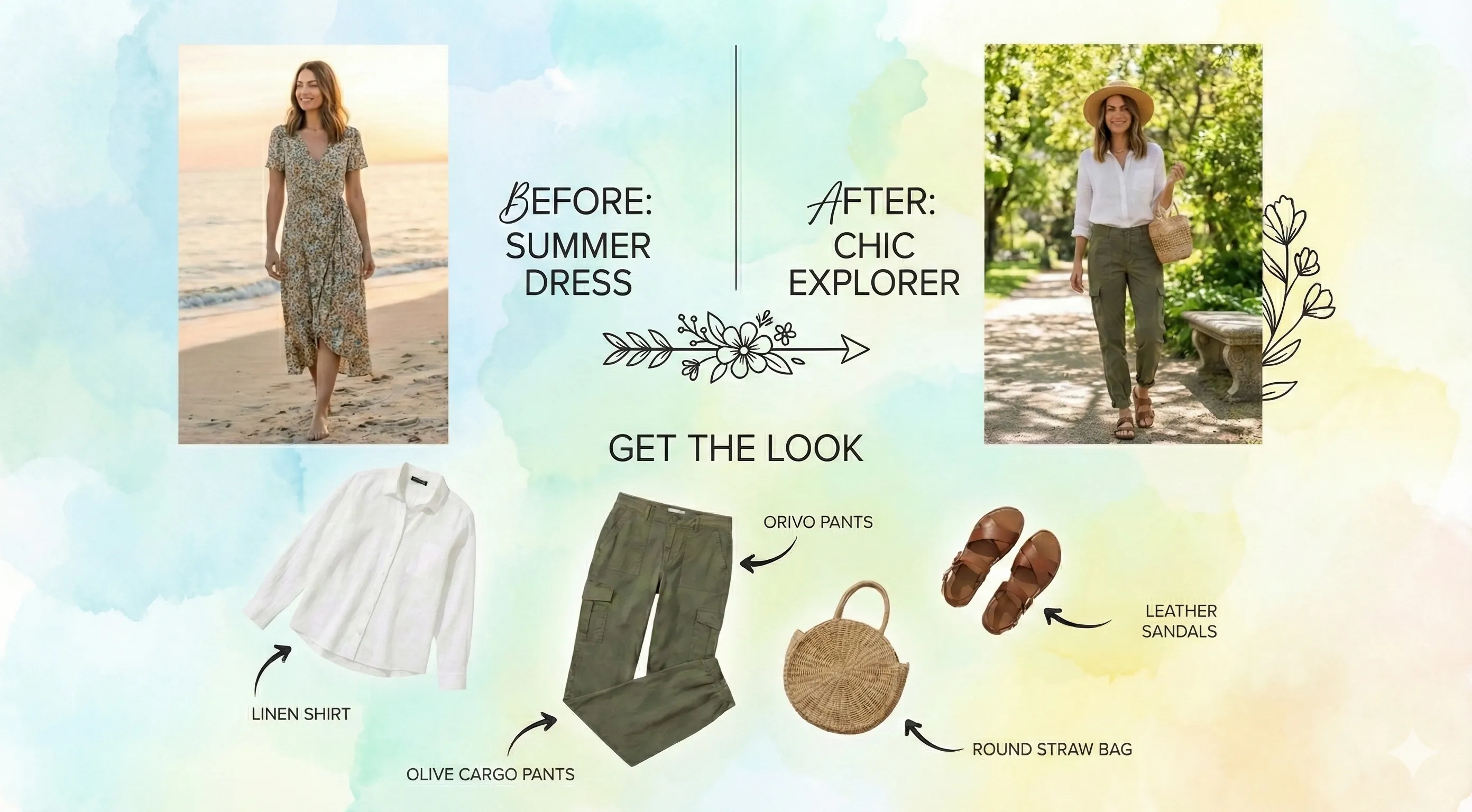
AI Clothes Changer preview

AI Clothes Changer

Swap outfits in portraits and fashion photos to test a different overall look.
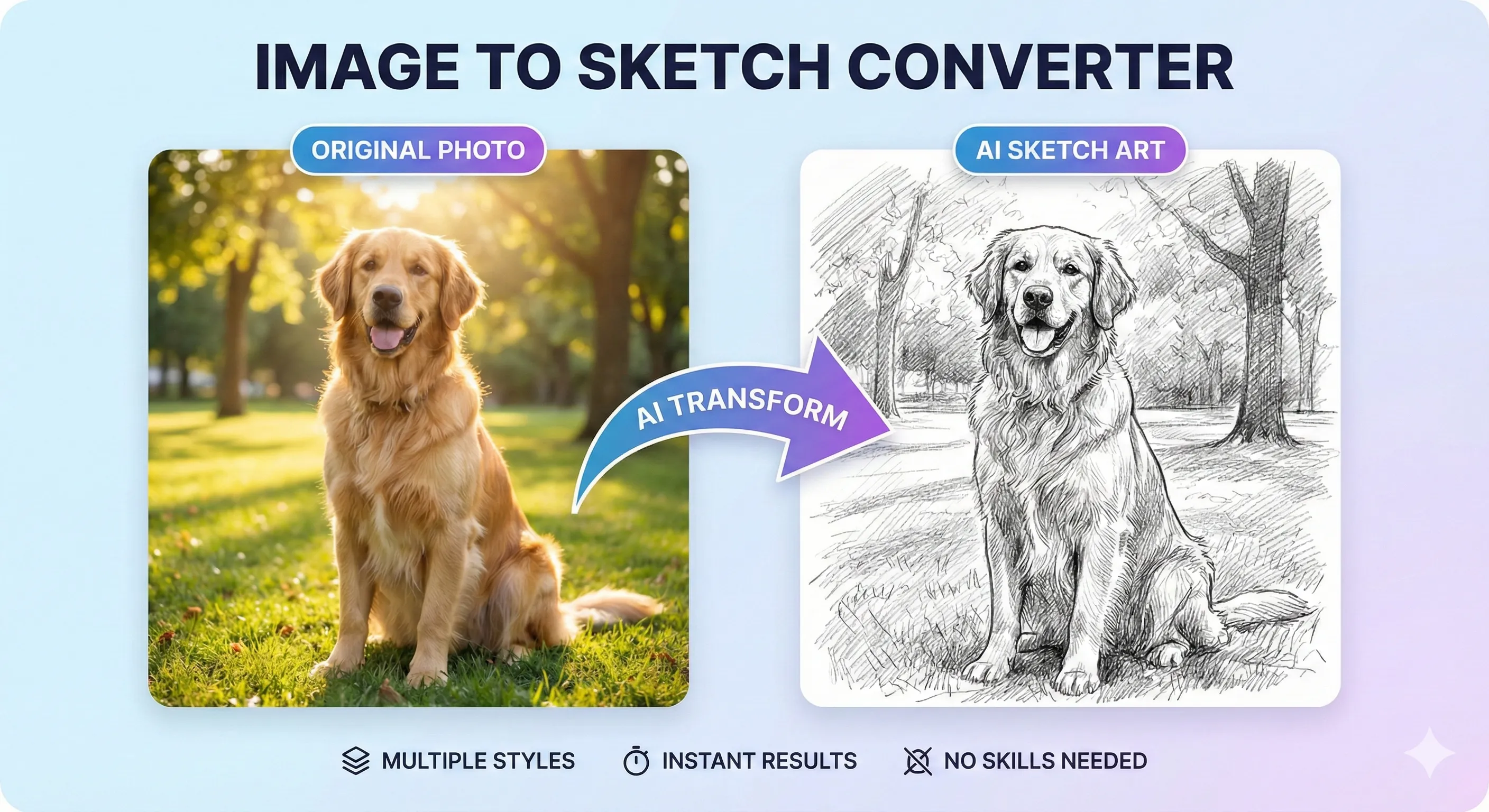
Image to Sketch preview

Image to Sketch

Turn photos into sketch-style artwork when you want a stylized visual result instead of a realistic edit.

AI Age Filter preview

AI Age Filter

Preview younger or older looks for creative portrait experiments and social content.

3 Steps

How to Choose the Right Style Transform Tool

Start with the kind of appearance change you want, then move outward into outfit or more creative transformations.
1

Start with hair changes first

If you are mainly testing a new cut, length, or fringe, begin with AI Hairstyle Changer. If the haircut stays the same and only the shade should change, switch to AI Hair Color Changer.
2

Move to outfit and overall look

When the hairstyle is set but the whole presentation still feels off, AI Clothes Changer is the next practical tool to open.
3

Finish with a creative effect if needed

For playful transformations instead of realistic styling, use Image to Sketch or AI Age Filter as the final step.

Why Style Changes Work Better When You Separate the Tasks

A hairstyle test, a color test, an outfit swap, and a stylized portrait effect are not the same job. When users split those actions apart, the preview is easier to judge and the next step becomes clearer. For example, AI Clothes Changer helps with overall styling, while Image to Sketch is for turning the final look into a more artistic result. That task-based approach makes style exploration faster and more useful. Once the new look is set, many users continue with Portrait Retouch Tools to clean facial details, or move into Scene Design Tools if the surrounding layout and background still need work.

Clearer style decisions

It is easier to judge whether a new look works when only one major appearance variable changes at a time.

Less guesswork before real changes

These tools help users test hair, outfit, and creative looks before booking a salon visit, buying clothes, or making content.

Common Style Transformation Workflows

Users reach style tools from different goals, but they usually want the same thing: a quicker way to preview a new look before committing to it or publishing it.

Haircut planning before a salon visit

If the main question is length, bangs, or shape, AI Hairstyle Changer is the clearest starting point.

Trying a new dye idea safely

For users who like the cut but want to test blonde, black, copper, or fantasy shades, AI Hair Color Changer is the better fit.

Outfit previews for portraits or social content

When clothes, styling, or wardrobe direction matter more than hair, AI Clothes Changer becomes the most useful next step.

Creative profile photos and avatars

If the goal is a more illustrated or hand-drawn visual finish, Image to Sketch is the natural tool to open.

Age-based portrait experiments

For playful younger-or-older portrait transformations, AI Age Filter is the direct creative tool in this cluster.

Look testing before a campaign or post

Many creators combine AI Hairstyle Changer with AI Clothes Changer to preview a fuller visual direction before publishing.

Trusted Tools for Style Exploration

Users rely on these tools to preview appearance changes, test ideas quickly, and create more flexible visual concepts.

90K+ Looks Previewed

90K+

Looks Previewed

45K+ Users Helped

45K+

Users Helped

4.8/5 Average Rating

4.8/5

Average Rating

Frequently Asked Questions

Common questions about choosing the right style transform tool for hair, outfits, and creative look changes.


If you also need portrait cleanup or final image quality improvement after the style test, the next best tools to open are Portrait Retouch Tools and Image Enhancement Tools.

Ready to Test a New Look?

Start with the biggest visible change first. For most users, that means hairstyle or outfit before adding creative effects.