
Portrait Retouch Tools
Use this page as a practical guide to choose the right AI tool for portrait cleanup. Whether you need skin retouch, wrinkle smoothing, red-eye fixes, glare removal, teeth cleanup, or creative age effects, these portrait retouch tools help you pick the right next step without guessing.
Portrait Retouch Is More Than Just Skin Smoothing
Targeted portrait cleanup
Task-based tool selection
Portrait Retouch Tools by Task
Browse the core portrait retouch tools in this cluster and jump straight to the one that matches your photo problem.
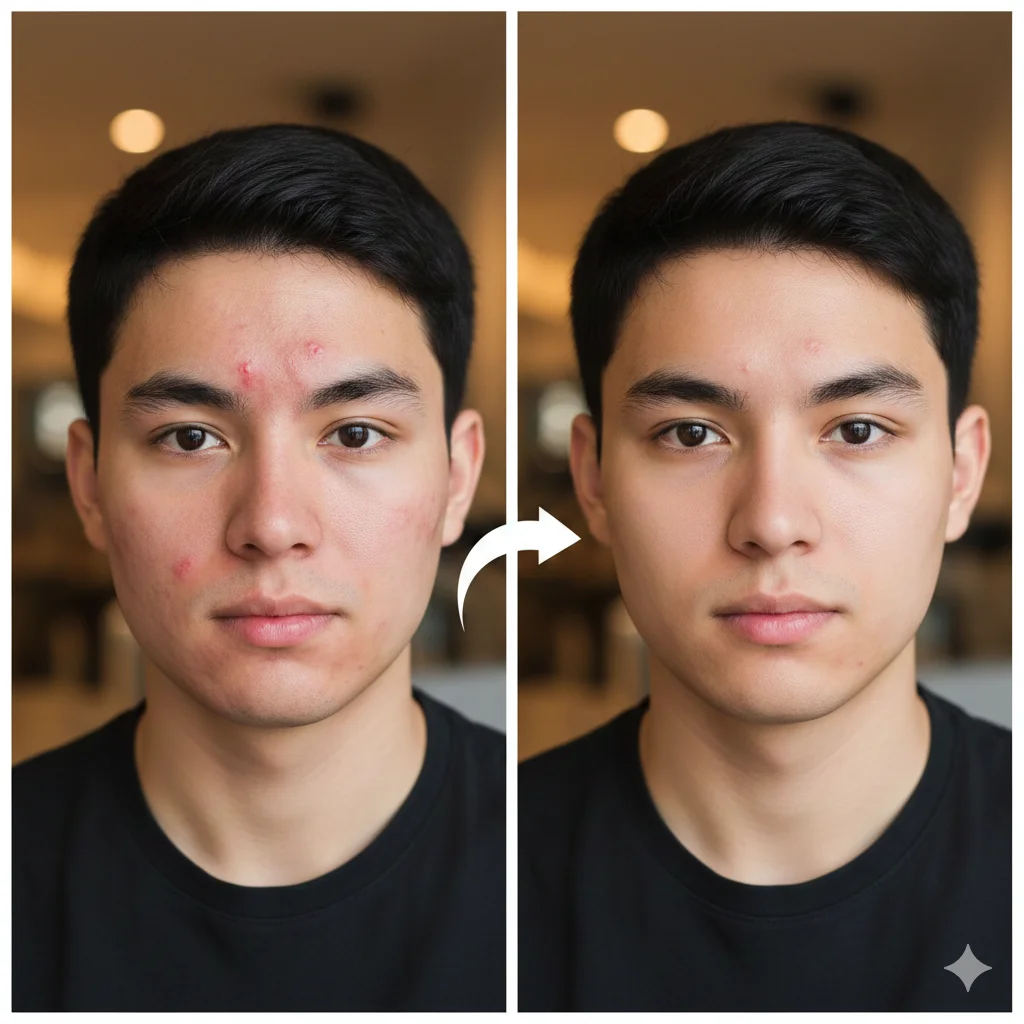
AI Blemish Remover
Remove acne, spots, and small skin distractions while keeping texture natural.
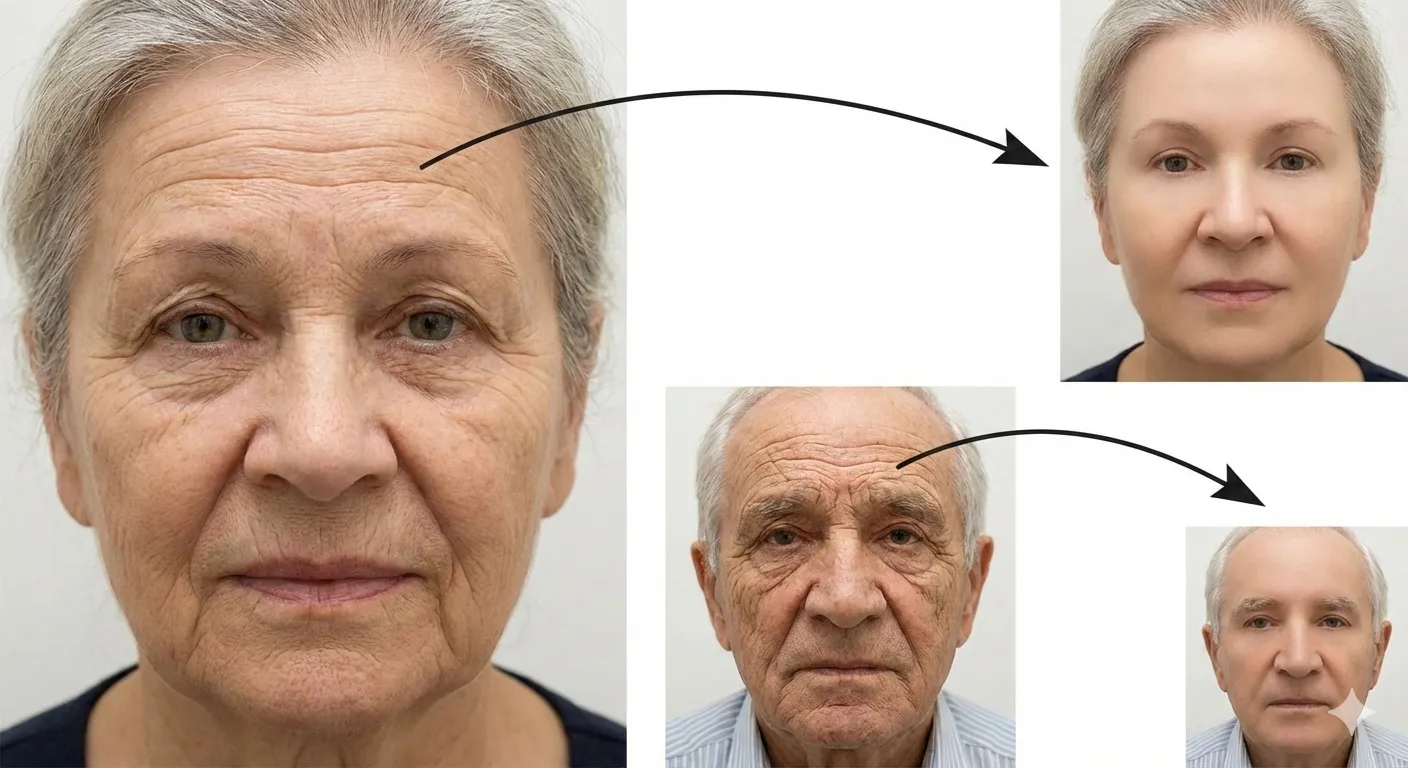
AI Wrinkle Remover
Smooth fine lines and wrinkles without making the face look over-processed.
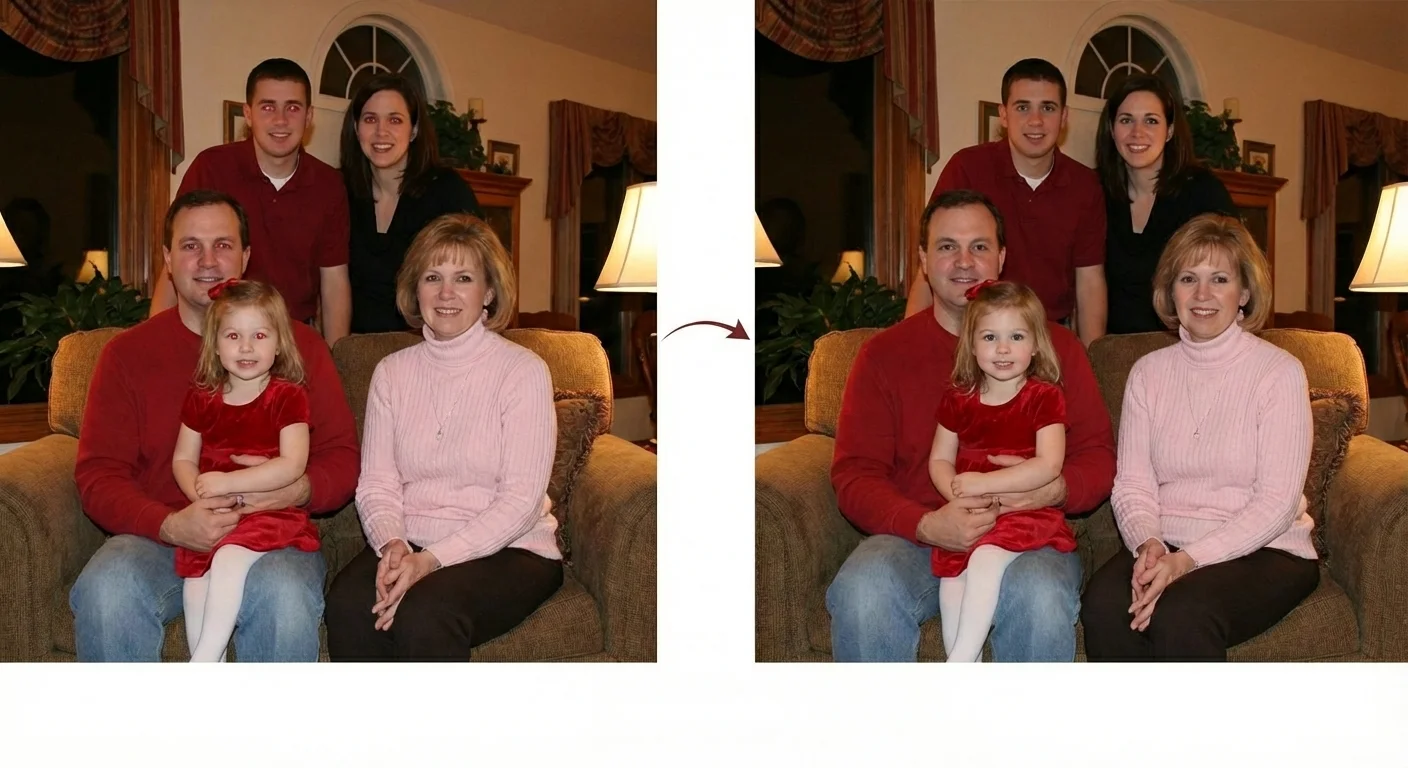
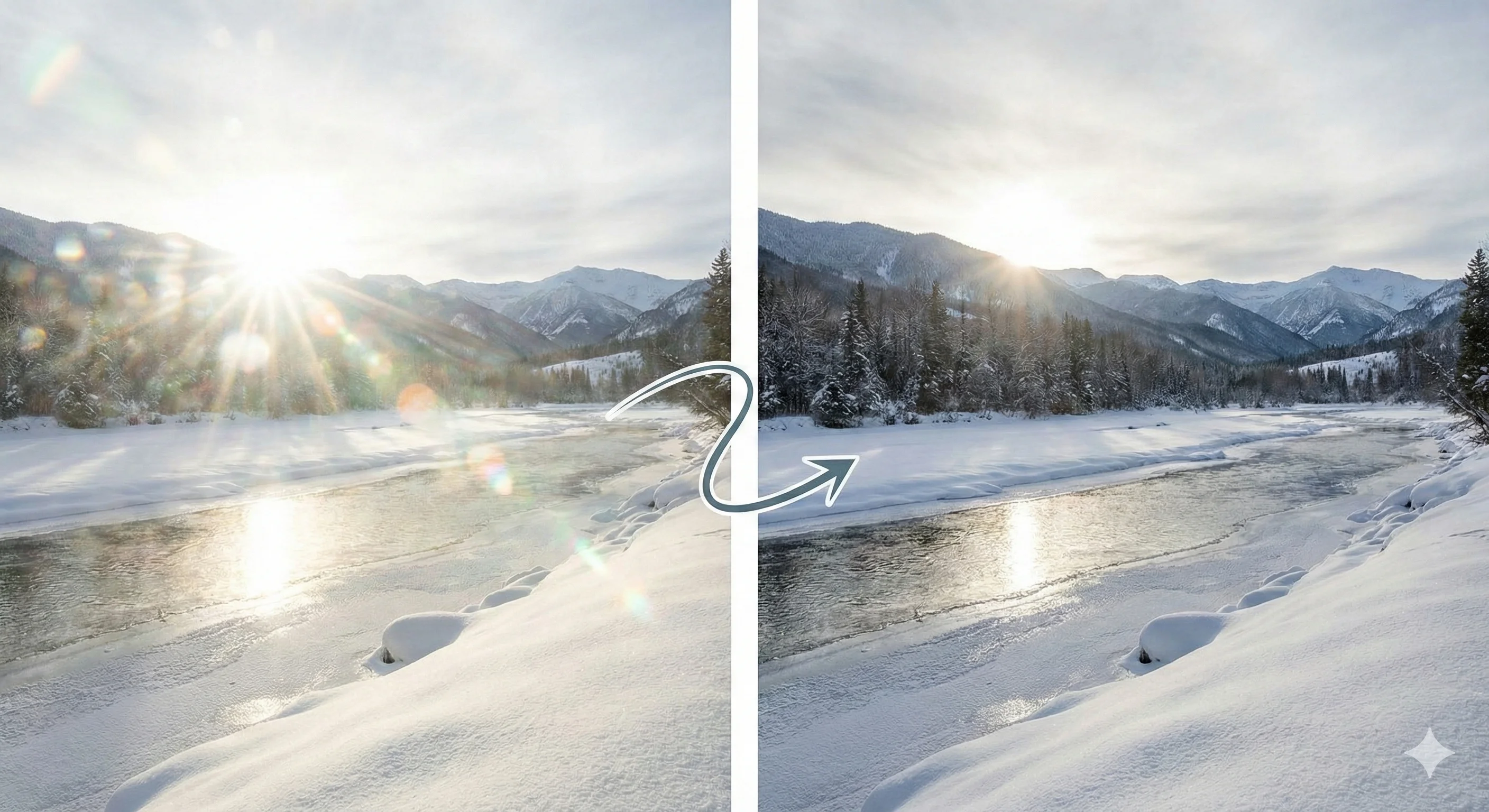
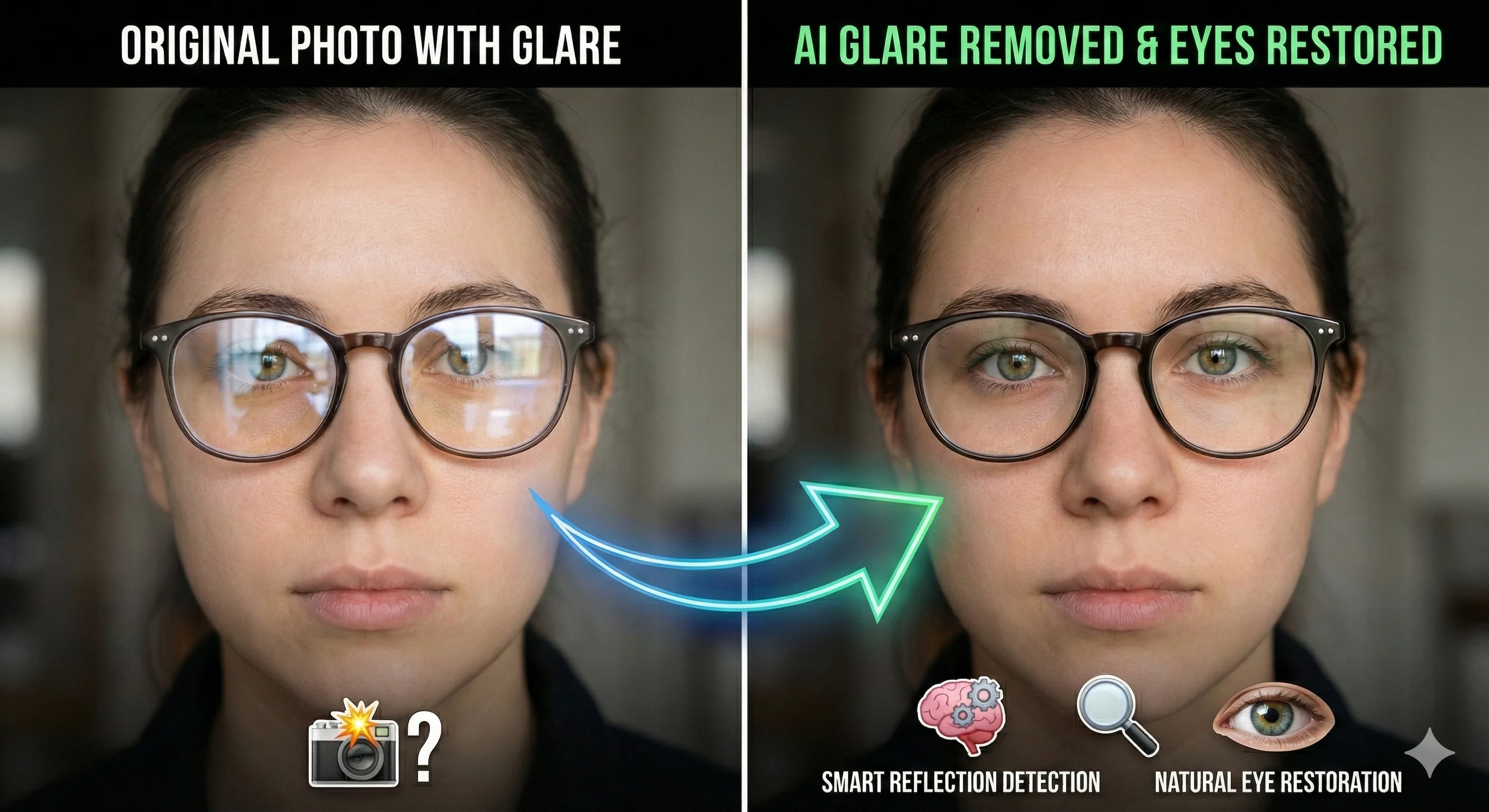
Glasses Glare Remover
Clean up lens glare while keeping eyes and facial detail more readable.
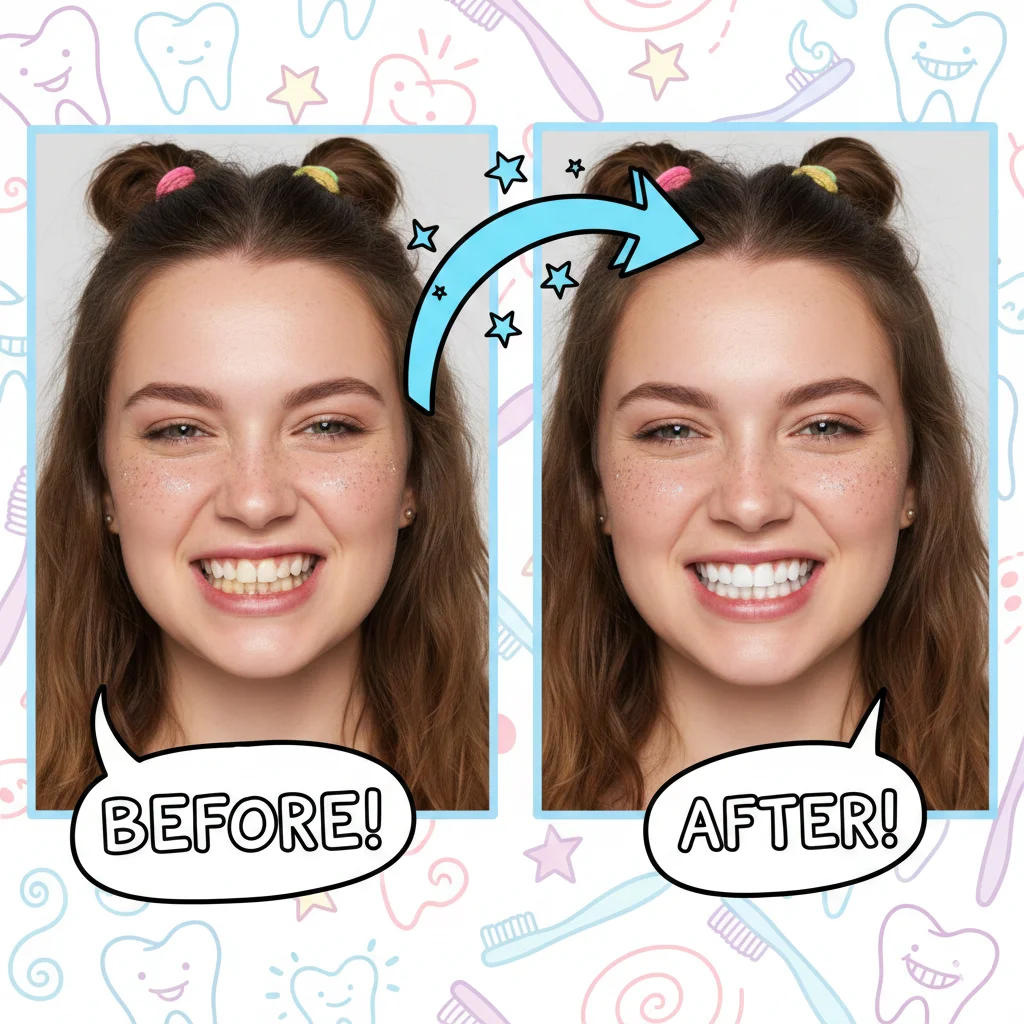

AI Age Filter
Preview younger or older portrait looks for creative edits and social content.
How to Choose the Right Portrait Retouch Tool
Start with skin and face cleanup
Fix eyes and reflections
Finish with smile or creative effect
Why Task-Based Portrait Retouch Works Better
More natural results
Faster portrait workflow
Common Portrait Retouch Workflows
LinkedIn and resume headshots
Team profile photos
Glasses portraits and interview photos
Wedding and event portraits
Creator thumbnails and social avatars
Casual selfies and creative edits
Trusted Tools for Portrait Cleanup
Users rely on this portrait retouch workflow to clean up profile photos, headshots, event portraits, and everyday selfies.
100K+ Processed Portraits
Processed Portraits
50K+ Users Helped
Users Helped
4.8/5 Average Rating
Average Rating
Frequently Asked Questions
Common questions about choosing the right portrait retouch tool for a specific photo problem.
If you also need styling or post-retouch image cleanup, the next best tools to open are AI Hairstyle Changer and AI Image Upscaler.
Ready to Start Retouching Your Portraits?
Start with the most visible problem first, then move step by step until the portrait already looks finished. For most users, skin cleanup or glare removal is the right first move.