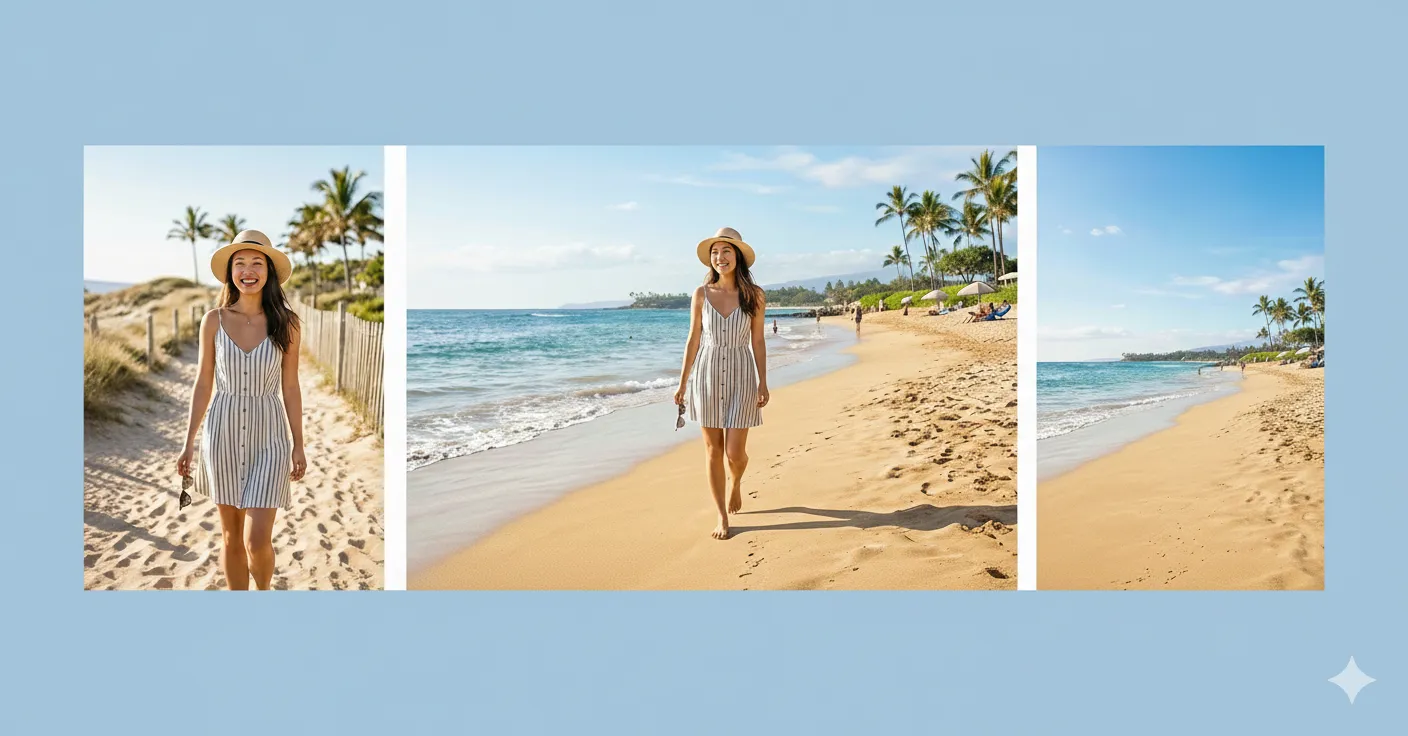
Scene Design Tools

Use this page as a practical guide to choose the right AI tool for changing a scene, extending a canvas, redesigning a room, or combining multiple images into one composition. It is built for users who are not just editing a subject, but reshaping the surrounding space, layout, or visual environment.

Scene Design Is About Space, Layout, and Composition

Scene design tools solve a different class of problem from simple cleanup or style filters. Sometimes you need to expand an image beyond its edges. Sometimes you want to redesign an interior scene. In other workflows, the job is to merge or combine multiple images into one believable composition. This hub groups those tasks together so users can choose the right tool based on how much of the visual environment needs to change. If your first goal is to create more room around the subject or expand the frame naturally, AI Image Extender is usually the most practical place to start.

Task-based scene editing

Separate extension, room redesign, and image combination tasks so the workflow matches the kind of scene change you actually need.

Better control over composition

Use this page to decide whether your image needs more space, a new room concept, or a merged visual composition built from multiple inputs.

Scene Design Tools by Job

Browse the core tools in this scene-design cluster and jump straight to the one that matches your layout or composition task.
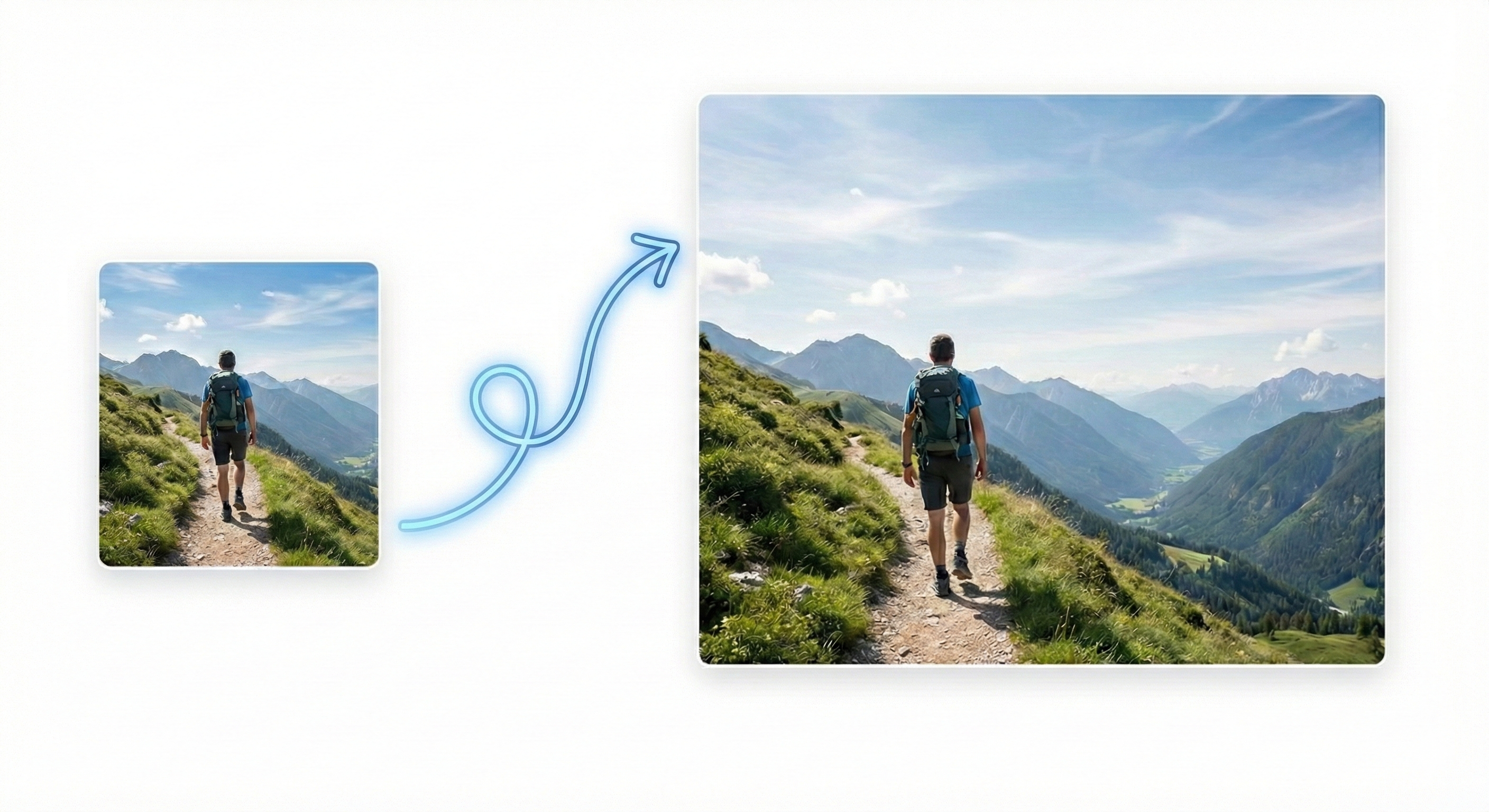
AI Image Extender preview

AI Image Extender

Expand images beyond their original borders when the canvas feels too tight or incomplete.
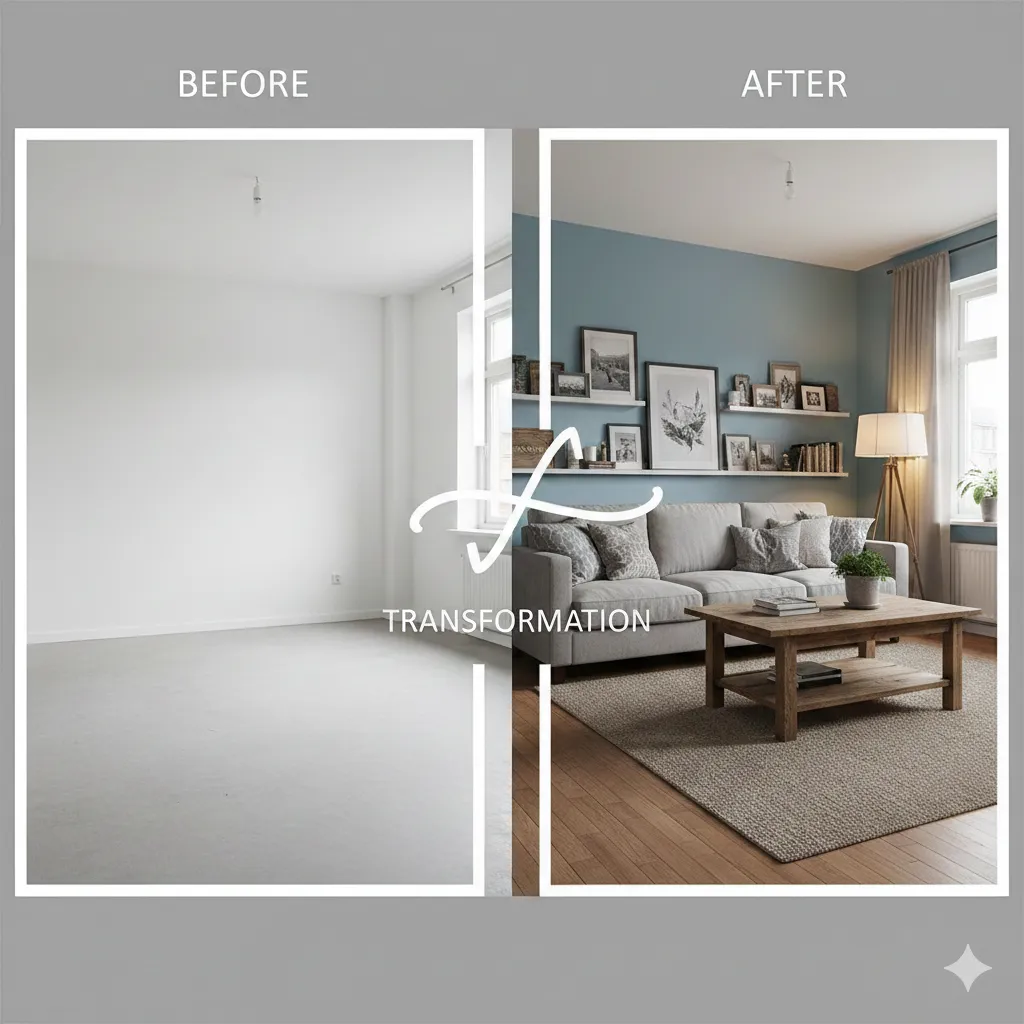
AI Room Designer preview

AI Room Designer

Redesign bedrooms, living rooms, kitchens, and other interiors by testing new room concepts quickly.
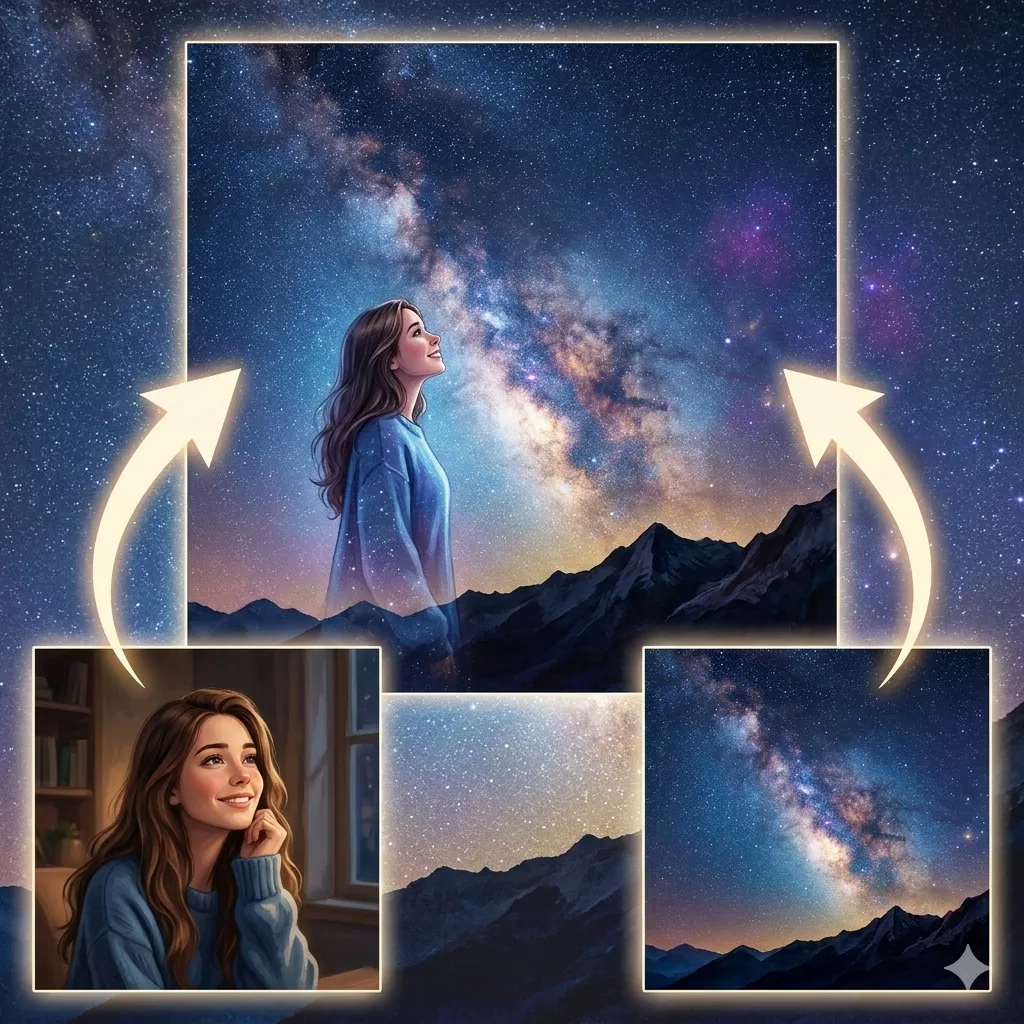
AI Image Combiner preview

AI Image Combiner

Blend multiple images into one guided composite when you need a more flexible or prompt-driven scene build.

AI Photo Merge preview

AI Photo Merge

Merge two photos into one more natural image when you want a simpler blend or direct two-image workflow.

3 Steps

How to Choose the Right Scene Design Tool

Start with the kind of spatial change you need, then decide whether the workflow is about extension, redesign, or composition.
1

Start with space and framing

If the image feels cropped too tightly or needs more background around the subject, begin with AI Image Extender before trying anything else.
2

Use room redesign for interior concepts

When the image is a bedroom, kitchen, office, or living room and the main goal is a different layout or decor direction, AI Room Designer is the more accurate choice.
3

Choose the right composition tool last

For flexible multi-image scene building, open AI Image Combiner. If you only need a more direct two-image blend, AI Photo Merge is often the simpler fit.

Why Scene Workflows Improve When You Match the Tool to the Layout Task

A wider canvas, a redesigned room, and a merged composite are all different jobs. When users treat them separately, the result becomes easier to control and more realistic. For example, AI Room Designer is for changing the space itself, while AI Image Combiner is better when the goal is to build a new scene from multiple visual sources. That task-based approach helps users get cleaner scene results with less trial and error. After the scene is built, many users continue with Image Enhancement Tools for final cleanup and clarity, or switch to Style Transform Tools if the subject itself still needs a different visual style.

Clearer composition decisions

It becomes easier to judge what to change when you know whether the issue is framing, room design, or image composition.

Less wasted editing effort

You avoid forcing a room design job into a merge workflow, or a canvas extension problem into a multi-image composite tool.

Common Scene Design Workflows

Users arrive with different image goals, but they often want the same outcome: a scene that feels wider, more complete, or more intentional than the original source image.

Expanding images for banners and layouts

If the original frame is too tight for social headers, ads, or presentation slides, AI Image Extender is usually the right first tool.

Testing new room concepts before renovation

For bedrooms, kitchens, and living spaces that need a new style direction, AI Room Designer is the most direct option.

Building composites from multiple assets

When the final image needs elements from several sources, AI Image Combiner offers the more flexible composition workflow.

Blending two photos into one scene

If the job is simpler and mainly about fusing two related images together, AI Photo Merge is often easier to use.

Extending product or portrait backdrops

Many creators use AI Image Extender to create more breathing room before adding text, crops, or other design layers.

Room mockups and visual concept pitching

Designers and homeowners often rely on AI Room Designer to compare multiple directions before committing to one.

Trusted Tools for Scene Editing and Layout Planning

Users rely on these tools to reshape scenes, test layouts, and build cleaner compositions more quickly.

85K+ Scenes Created

85K+

Scenes Created

40K+ Users Helped

40K+

Users Helped

4.8/5 Average Rating

4.8/5

Average Rating

Frequently Asked Questions

Common questions about choosing the right scene design tool for extension, room redesign, and image composition.


If you need subject cleanup or final clarity after designing the scene, the next best pages to open are Image Enhancement Tools and Portrait Retouch Tools.

Ready to Build a Better Scene?

Start with the biggest spatial change first. For many users, that means expanding the frame or choosing the right composition workflow before any finishing edits.