
Free AI Image Extender
Expand your photos beyond their original borders with our image extender AI. Upload an image, choose your target aspect ratio, and watch as the AI seamlessly extends backgrounds in seconds.
AI Image Extender Tool
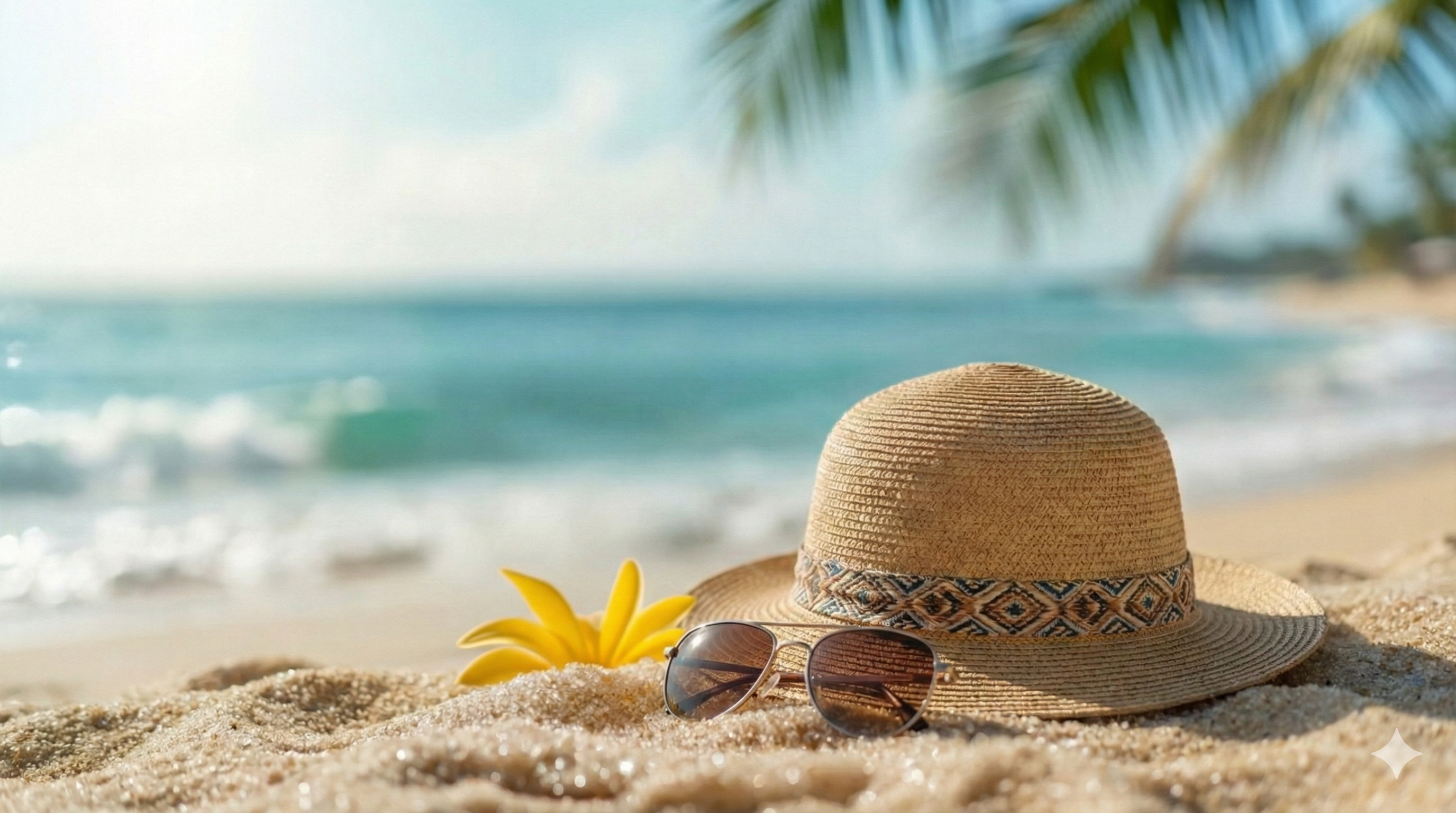
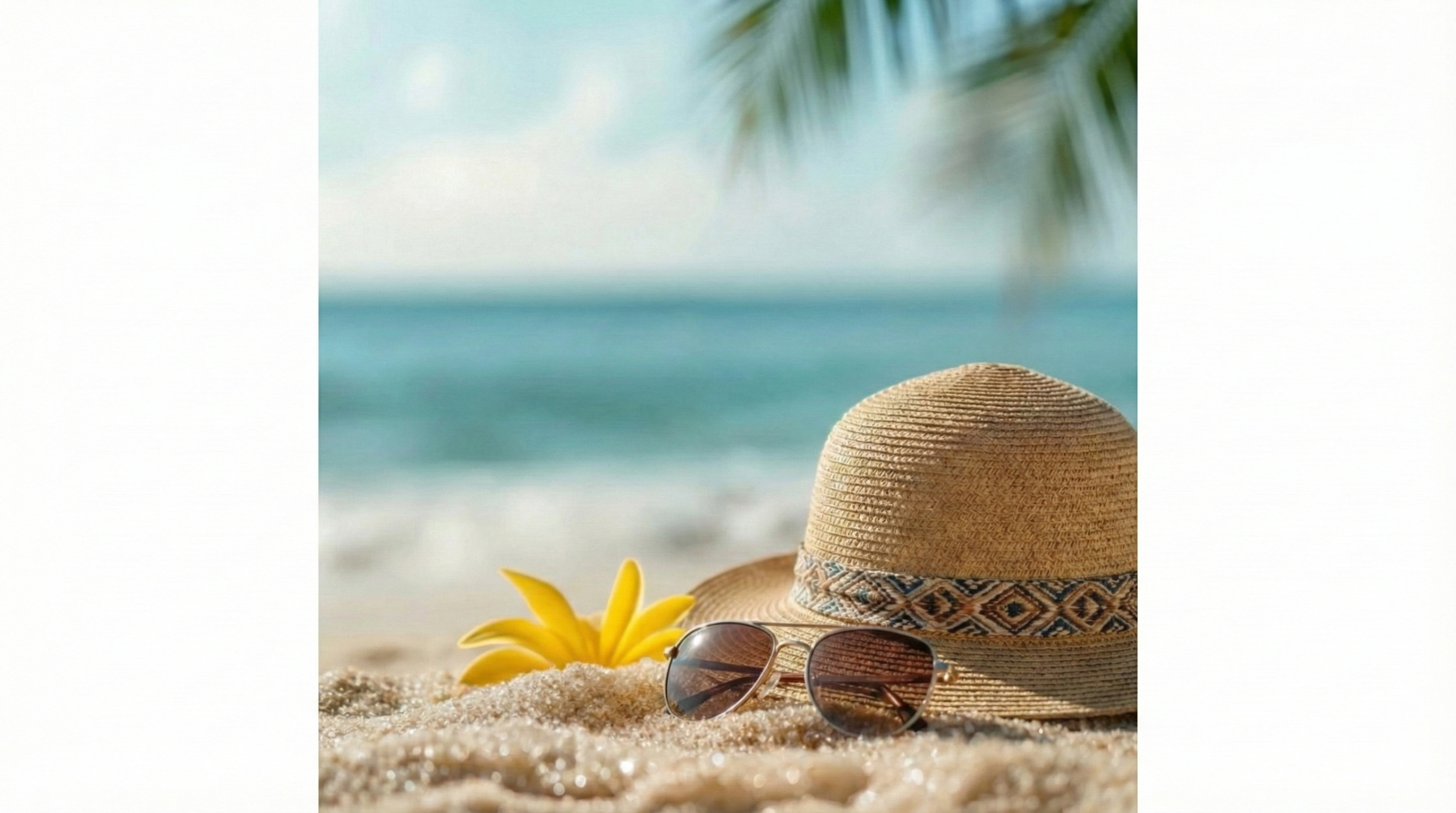
This is a demo preview. Upload your image to get started.
What Is an AI Image Extender?
Intelligent Background Extension
Multiple Aspect Ratio Support
Quality Preservation
Natural Content Generation
Why Use This Free AI Image Extender?
Resize for Any Platform Instantly
Recover Cropped Photos
No Design Skills Required
How to Extend Images in 3 Simple Steps
Upload Your Photo
Choose Your Target Aspect Ratio
Generate and Download
Key Features of This AI Image Extender
Smart Content-Aware Expansion
Flexible Aspect Ratio Options
Preserve Original Quality
Fast Processing
Works with Any Subject
High-Resolution Downloads
Trusted by Creators Worldwide
Photographers, designers, and content creators rely on this free AI image extender every day.
50K+ Happy Users
Happy Users
1M+ Images Extended
Images Extended
4.9/5 Average Rating
Average Rating
What People Are Saying
Real feedback from photographers, designers, and content creators who use this image extender AI.
I constantly need to resize images for different platforms. This AI image extender saves me hours every week—I can take one photo and adapt it for Instagram, Twitter, and LinkedIn in minutes.
Jessica Wang, Social Media Manager
Jessica Wang
Social Media Manager
When clients need more background space for text overlays, this tool is perfect. The extended areas blend so naturally that you can't tell where the original ended.
Marcus Johnson, Product Photographer
Marcus Johnson
Product Photographer
I've tried manual content-aware fill in Photoshop, but this free AI image extender online gives me better results in a fraction of the time. It's become essential to my workflow.
Sophie Chen, Graphic Designer
Sophie Chen
Graphic Designer
Product photos often need different crops for different marketplaces. This image extender AI lets me expand backgrounds cleanly without reshooting anything.
Ryan Peters, E-commerce Seller
Ryan Peters
E-commerce Seller
Sometimes I crop too tight and regret it later. This tool has saved several of my favorite travel shots by extending the scenery naturally around the edges.
Amanda Foster, Travel Blogger
Amanda Foster
Travel Blogger
Converting vertical phone shots to 16:9 thumbnails used to mean losing half the image. Now I just extend the sides and keep everything I want in frame.
Daniel Kim, YouTube Creator
Daniel Kim
YouTube Creator
Frequently Asked Questions
Common questions about using this AI image extender.
Need to keep editing after this step? A common follow-up is AI Image Combiner, and many users also pair it with AI Photo Merge for a more polished image.
Ready to Expand Your Images?
Try this free AI image extender now. Upload your photo, choose an aspect ratio, and download your expanded image in seconds.