🎨 Nano Banana AI Image Combiner β€” Now Live

Free AI Image Combiner β€” Merge Photos in Seconds

Need to combine two photos into one polished image? Our AI image combiner lets you merge, blend, and remix multiple pictures using simple text prompts. Whether you want to swap backgrounds, place people together, or create artistic composites, this free AI image combiner with prompt handles lighting, edges, and perspective automatically. No Photoshop skills required β€” just upload, describe, and download.

AI Image Combiner Tool β€” Merge and Blend Photos Online

AI Image Combiner
Upload Images(0/9)
0 / 2000
Cost 4 creditsRemaining 0 credits
Before / After Preview
Combined
Original
Original
Combined

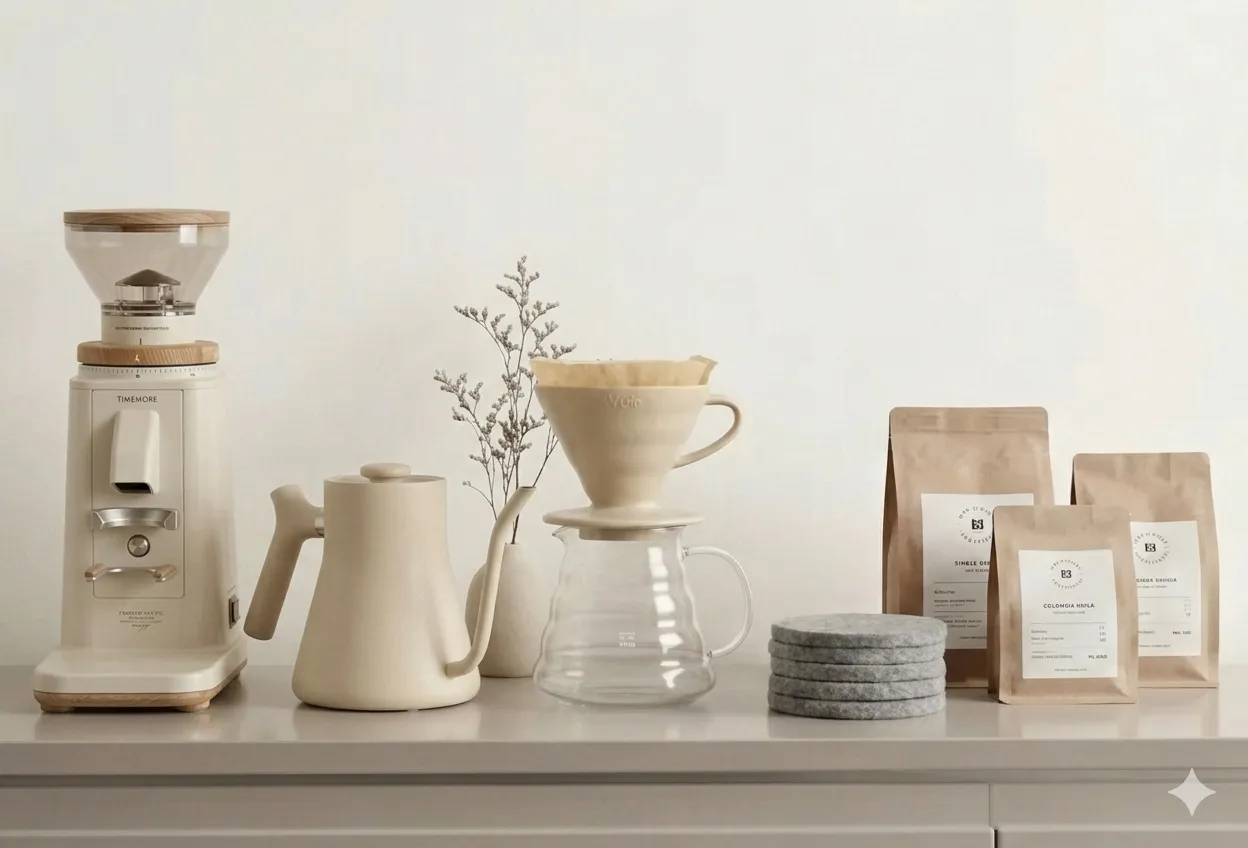
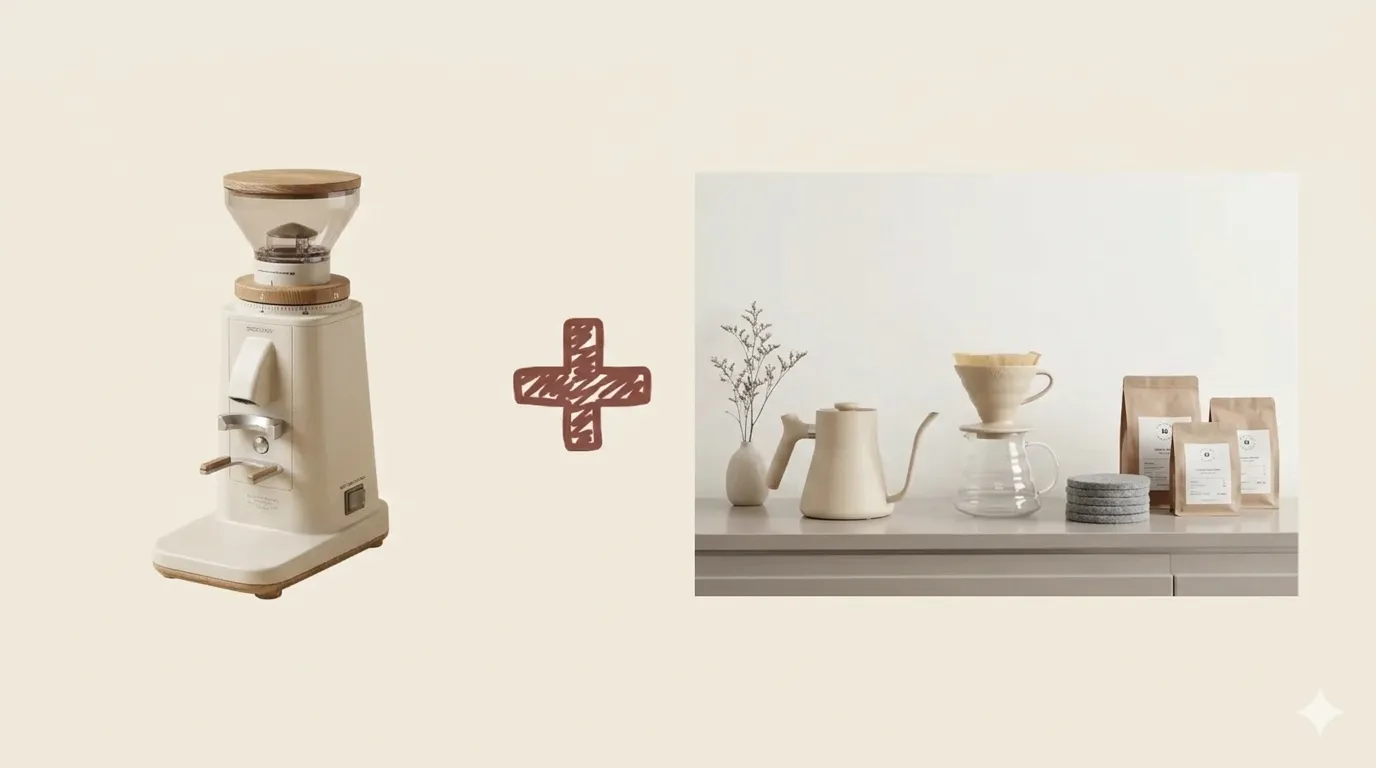
Upload two or more photos and describe how you want them combined to see the AI merge them into one seamless image.

What Is an AI Image Combiner and How Does It Work?

An AI image combiner is an intelligent photo merging tool that uses artificial intelligence to blend two or more pictures into a single, seamless composition. Unlike traditional photo editors where you manually cut, paste, and mask layers, an image combiner AI automatically analyzes depth, lighting, edges, and color tones across your uploaded photos. It then reconstructs them into one natural-looking image where everything fits together as if it were captured in a single shot. Our free AI image combiner is powered by Nano Banana, so you get sharp, realistic results directly in your browser β€” no software installation needed.

Intelligent Scene Analysis

The AI examines subjects, backgrounds, and lighting in each photo separately, then calculates how to merge them with consistent perspective and natural shadows.

Prompt-Driven Control

Tell the AI image combiner with prompt exactly how you want your photos merged β€” swap backgrounds, place subjects together, or create artistic blends using plain language.

Why Use a Free AI Image Combiner Online?

Professional photo compositing used to require expensive software like Photoshop and hours of careful masking work. With our AI image combiner free tool, anyone can merge photos in seconds without design experience. Content creators use AI image combiners to produce scroll-stopping social media visuals. E-commerce sellers combine product shots with lifestyle backgrounds to boost conversions. Students and professionals create polished presentations and marketing materials without hiring a designer. The best part? This image combiner AI runs entirely in your browser and costs nothing to get started.

No Design Skills Needed

Skip the learning curve of complex editing software. The AI handles masking, blending, color matching, and edge refinement automatically.

Professional Results in Seconds

What used to take a skilled designer 30 minutes now takes under 30 seconds. Upload two photos, describe the combination, and download a polished composite.

How to Combine Images with AI in 3 Steps

Merging photos has never been easier. Follow these three steps to use our AI image combiner and create stunning composites:

1

Upload Your Photos

Select two images you want to combine. The AI image combiner accepts JPG, PNG, and WEBP files up to 5MB each. For the best results, use clear photos with good lighting β€” portraits, product shots, landscapes, and backgrounds all work well.

2

Describe How to Combine Them

Use the prompt field to tell the AI exactly what you want. For example: 'Place the person on the beach background' or 'Blend both landscapes into a panoramic scene.' You can also click the Smart Combine preset for a one-click merge that automatically handles everything.

3

Download Your Combined Image

In seconds, the AI image combiner delivers a polished composite with matched lighting, smooth edges, and natural transitions. Preview the before and after comparison, then download your high-resolution result ready for social media, presentations, or print.

AI Image Combiner Features

Everything you need to merge, blend, and combine photos into professional composites β€” all powered by our free AI image combiner.

Smart Background Swapping

Replace boring backgrounds instantly. The AI image combiner detects subjects and separates them from the background, then places them onto your chosen scene with realistic shadows and lighting.

Natural Light Matching

When you combine two photos taken in different lighting, the AI automatically adjusts brightness, contrast, and color temperature so the merged result looks like one cohesive photograph.

Prompt-Based Merging

This AI image combiner with prompt gives you full creative control. Describe layouts, positioning, blending styles, and artistic effects in plain English β€” the AI follows your instructions precisely.

Seamless Edge Blending

No more visible cut lines or awkward transitions. The image combiner AI refines edges at the pixel level, creating smooth boundaries that look completely natural.

Fast Processing

Most image combinations complete in 15-30 seconds. Upload, describe, and download β€” faster than opening Photoshop, let alone learning layer masks.

High-Resolution Output

Download your combined photos at full resolution with no watermarks. The output is ready for social media posts, e-commerce listings, marketing materials, or professional presentations.

Trusted by Creators and Professionals

Thousands of users rely on our AI image combiner to merge photos for social media, marketing, and creative projects every day.

80K+ Images Combined

80K+

Images Combined

40K+ Happy Users

40K+

Happy Users

4.8/5 User Rating

4.8/5

User Rating

What Users Say About Our AI Image Combiner

Real feedback from creators, marketers, and professionals who use our AI image combiner daily.

I use this AI image combiner to place product photos onto lifestyle backgrounds for our online store. What used to take our designer an hour per image now takes me 30 seconds. The lighting matching is surprisingly accurate.

Rachel Kim, E-Commerce Manager

Rachel Kim

E-Commerce Manager

Creating engaging content is so much faster with this image combiner AI. I merge behind-the-scenes shots with polished backgrounds for Instagram, and the results consistently look professional. My engagement rates have gone up noticeably.

Tyler Brooks, Social Media Manager

Tyler Brooks

Social Media Manager

Even as a professional designer, I reach for this AI image combiner free tool when I need quick composites for client presentations. The edge blending is clean enough for draft work, and sometimes the output is good enough to use as-is.

Priya Sharma, Graphic Designer

Priya Sharma

Graphic Designer

I combine interior photos with exterior shots to create compelling property listings. The AI image combiner handles the perspective and lighting differences between indoor and outdoor photos really well. Clients love the visual storytelling.

James Wilson, Real Estate Agent

James Wilson

Real Estate Agent

The prompt feature is what sets this apart from other AI image combiners I've tried. I can describe exactly how I want two photos merged β€” 'put me in front of the Eiffel Tower at sunset' β€” and it actually delivers. No more clunky Photoshop layers.

Mia Chen, Content Creator

Mia Chen

Content Creator

Our team uses this AI image combiner for campaign visuals and ad creatives. Being able to combine product shots with branded backgrounds in seconds has cut our production timeline significantly. The quality holds up even for print materials.

David Okafor, Marketing Director

David Okafor

Marketing Director

Frequently Asked Questions

Common questions about using our AI image combiner to merge and blend photos.


Ready to Combine Your Photos with AI?

Stop struggling with complex photo editors. Upload your images, describe how you want them merged, and let our AI image combiner create a polished composite in seconds. Free to use, no software needed β€” just seamless, professional results.