
Free AI Age Filter Online
Ever wondered what you looked like as a baby or how you'll age over the decades? Our AI age filter uses advanced age progression technology to transform your face across different life stages — from infancy to old age. This free online AI ager works as both an aging picture tool and a youth filter, giving you a realistic preview of your past and future self. Simply upload a portrait and watch the AI age progression engine reshape your features naturally. Whether you want to see yourself as a teenager, explore what middle age looks like, or use it as an older face generator free of charge, this tool delivers photorealistic results in seconds.
AI Age Filter Tool - Age Progression and Regression Online
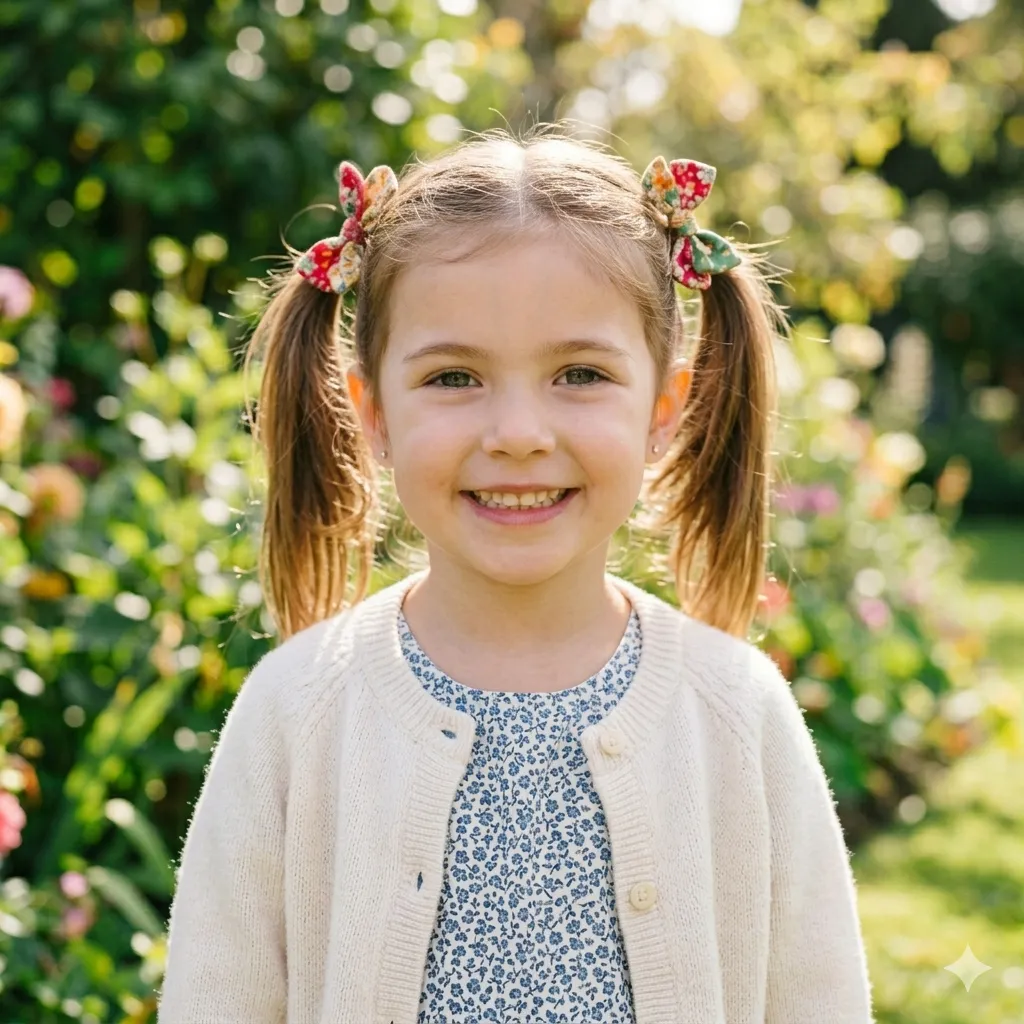
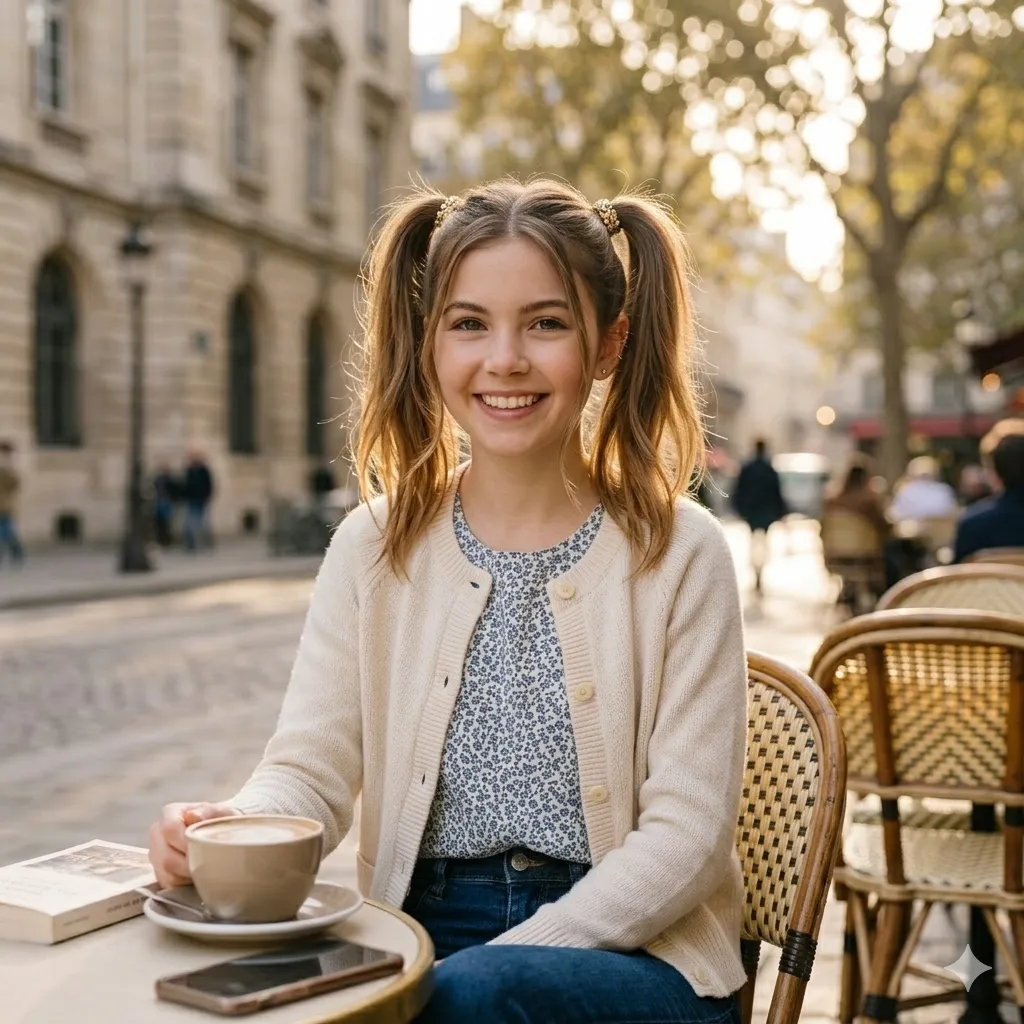
Upload a photo and select an age stage to see your transformation.
What Is an AI Age Filter?
Realistic Age Progression
Works Both Ways
Why Use a Free AI Age Progression Tool?
Identity-Preserving Results
Fun and Shareable
How to Use This AI Age Filter
Upload Your Portrait
Choose Your Target Age
Download and Share
AI Age Filter Features
6 Preset Age Stages
Custom Age Descriptions
No Download Required
Face-Aware AI Technology
Fast Processing
High-Resolution Output
Trusted by Curious Minds Worldwide
Join thousands who use this AI age filter to explore their past and future faces.
80K+ Age Transformations
Age Transformations
40K+ Happy Users
Happy Users
4.7/5 User Rating
User Rating
What Users Say About This AI Age Filter
Real feedback from people who tried our AI age progression tool.
I wanted to join the viral aging trend on TikTok without buying an app. This AI age filter worked perfectly — the wrinkles and skin texture looked so real that my followers thought it was an actual photo of me at 70. Completely free and no sign-up needed.
Emma Rodriguez, Social Media Creator
Emma Rodriguez
Social Media Creator
What surprised me most is how well this age progresser keeps my actual face shape. Other tools make me look like a different person, but this AI age filter kept my eyes and smile exactly the same — just older. The result felt very personal and authentic.
James Liu, Photographer
James Liu
Photographer
I used the baby filter to see what I looked like as a toddler and compared it with my real baby photos. The resemblance was surprisingly close. It's a great age change image tool for making throwback posts without scanning old albums.
Sarah Kim, College Student
Sarah Kim
College Student
As an artist, I use this AI ager to quickly visualize how my characters might look at different life stages. It gives me excellent references for skin aging and hair changes without hours of manual painting. The age progression free feature is a huge bonus.
Michael Chen, Character Designer
Michael Chen
Character Designer
I'm always careful about uploading photos online, so I appreciate that this AI age filter doesn't require a login or email. It processes the image fast and I can download immediately. The no-watermark output is a huge plus for a free older face generator.
Lisa Thompson, Privacy-Conscious User
Lisa Thompson
Privacy-Conscious User
We used this at a family gathering and couldn't stop laughing. Seeing dad as a baby and the kids as elderly people was hilarious. The quality from this aging picture tool is high enough that we even printed one out as a joke gift.
David Park, Family Fun Enthusiast
David Park
Family Fun Enthusiast
Frequently Asked Questions
Common questions about using our AI age filter and age progression tool.
Need to keep editing after this step? A common follow-up is AI Hairstyle Changer, and many users also pair it with AI Hair Color Changer for a more polished image.
Ready to See Yourself at Any Age?
Stop wondering and start exploring. Upload your photo, pick an age stage, and let our AI age filter show you what time might bring. It's free, fast, and the results might surprise you — whether you're curious about your future wrinkles or your baby face.