
Free AI Image Translator Online
Need to read a foreign menu, understand an imported product label, or localize marketing materials into another language? Our AI image translator detects every line of text inside your photo, translates it into the language you choose, and renders the result directly onto the image — matching the original fonts, colors, and layout so the output looks like it was designed that way from the start. Simply upload a picture, select a target language, and let the image translator AI handle the rest. No Photoshop skills, no manual retyping, and no sign-up required.
AI Image Translator Tool
AI will rewrite all visible text into English and keep the layout as close to the original as possible.
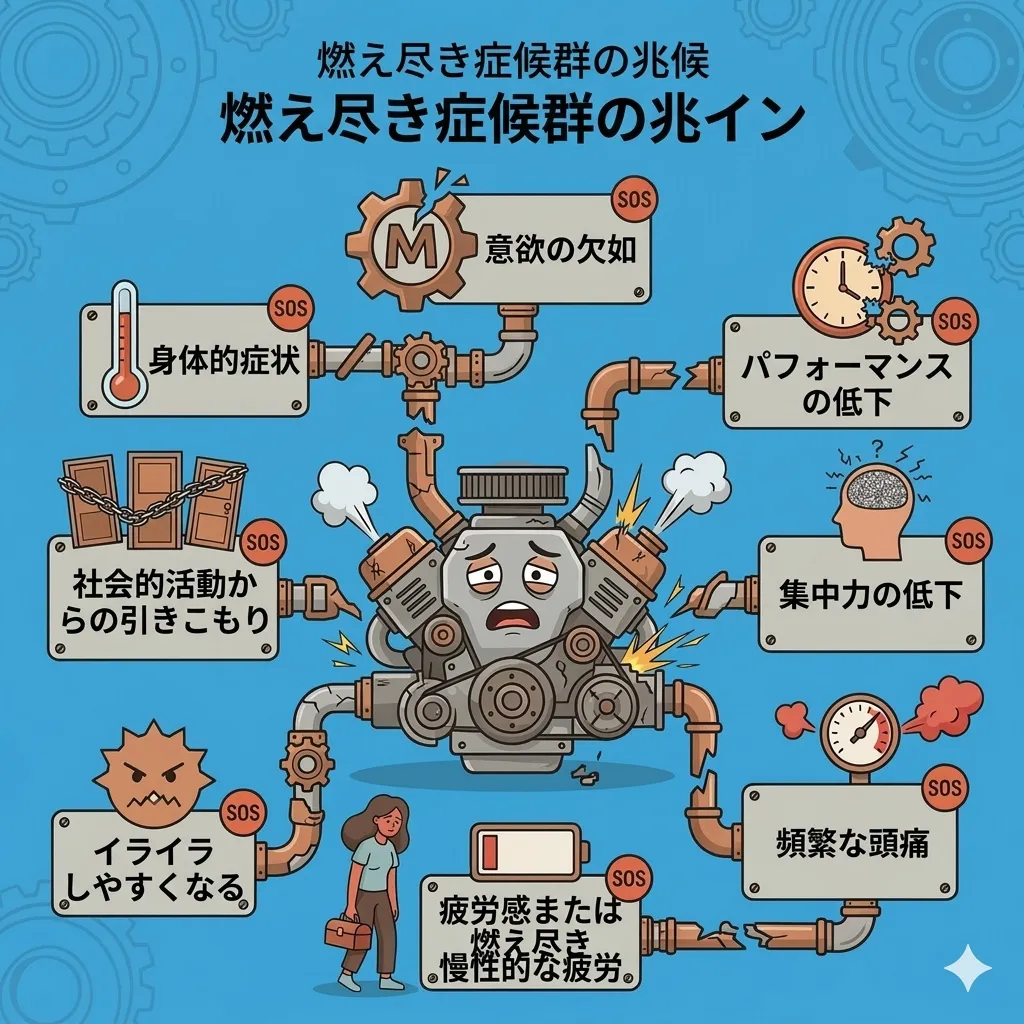
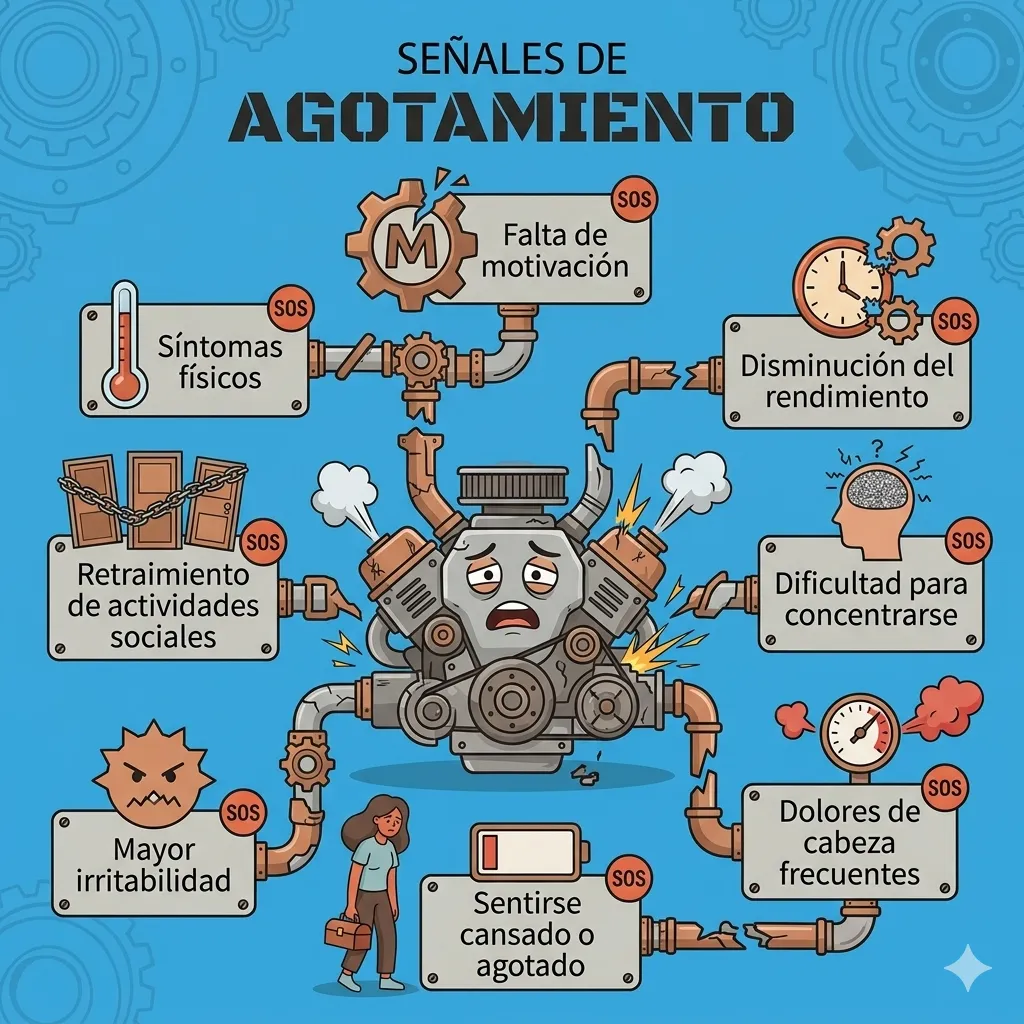
Upload an image with text, choose a language, and preview the translated version here.
What Is an AI Image Translator?
Layout-Preserving Translation
Background Restoration
Why Choose This AI Image Translator?
Professional-Quality Output
No Design Skills Needed
How to Translate Text in Images with AI
Upload Your Image
Pick a Target Language
Download the Translated Image
AI Image Translator Features
Layout & Font Preservation
Smart Background Repair
Multiple Language Support
No Download or Sign-Up
Fast Processing
High-Resolution Output
Trusted by Users Around the World
Thousands of travelers, sellers, students, and creators rely on this tool every day to translate and share visual content across languages.
50K+ Images Translated
Images Translated
30K+ Happy Users
Happy Users
4.8/5 User Rating
User Rating
What Users Say About This AI Image Translator
Real feedback from people who use our photo translation tool to work, travel, and learn across languages.
I import products from Asia and the spec sheets always arrive in Chinese or Korean. Retyping everything into Google Translate used to take forever. Now I just upload the image and this AI image translator gives me a clean English version with the layout intact. I send the translated sheets straight to my customers — no Photoshop needed.
Maria Santos, E-commerce Seller
Maria Santos
E-commerce Seller
I was in Tokyo trying to figure out a ramen menu with zero Japanese skills. Took a photo, ran it through this image translator AI, and had the full menu in English within seconds. The text sat right where the original Japanese was, so I could point at the screen and order. Honestly the best AI image translator I have used while traveling.
Thomas Weber, Travel Blogger
Thomas Weber
Travel Blogger
Half the journal papers I need for my thesis are in German and French. Scanning them and running each page through this tool saves me hours of manual work. The diagrams and footnotes stay exactly where they belong, which makes citing specific figures much easier.
Priya Sharma, Graduate Researcher
Priya Sharma
Graduate Researcher
I follow several manga series that have not been officially translated yet. This picture translator handles speech bubbles surprisingly well — it removes the Japanese text, fills in the background, and places the English translation right inside the bubble. The reading experience feels almost like an official release.
Kevin Park, Manga Reader
Kevin Park
Manga Reader
We localize ad creatives for six markets and used to send every banner to a designer for text swaps. Now the team uploads the source image, picks a language, and the image translator AI returns a production-ready version in seconds. It has cut our turnaround time from days to minutes.
Sophie Martin, Marketing Manager
Sophie Martin
Marketing Manager
I teach English to adult learners and often use real-world images — product labels, street signs, restaurant menus — as classroom material. This image translation tool lets me prepare side-by-side originals and translations in minutes, which keeps lessons practical and engaging.
Daniel Okafor, Language Teacher
Daniel Okafor
Language Teacher
Frequently Asked Questions
Common questions about using our AI image translator and how it compares to other translation tools.
If you are building a longer editing workflow, try AI Manga Translator for the next task, or switch to AI Image Combiner when you need another finishing pass.
Ready to Translate Text in Any Image?
Stop retyping foreign text into a separate app. Upload your image, pick a language, and let our AI image translator deliver a clean, layout-perfect translation in seconds. It is free, fast, and the result is ready to share or print the moment you download it.