
AI Headshot Generator - Create Professional Headshots From Selfies Online
AI Headshot Generator
The AI headshot generator takes 1–9 photos and returns one chest-up headshot per run — 6 credits at 1K.
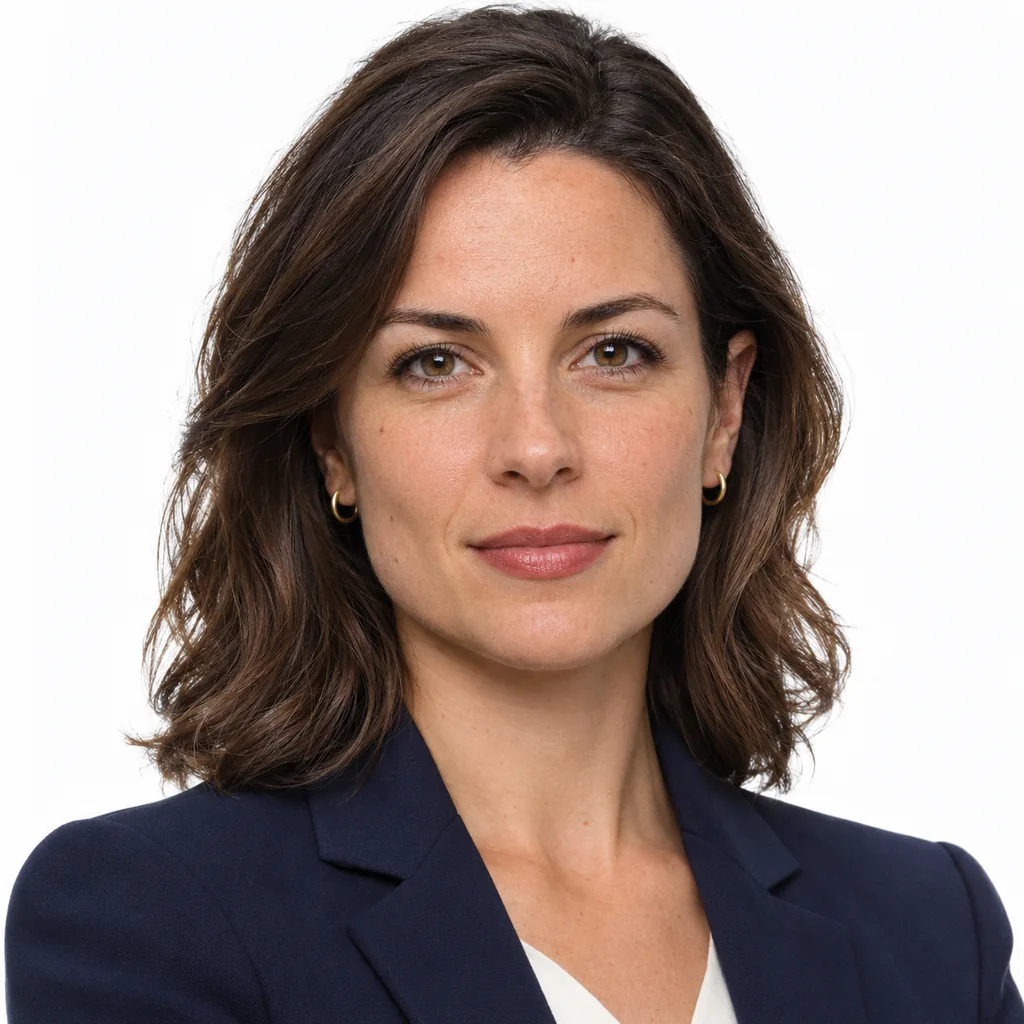

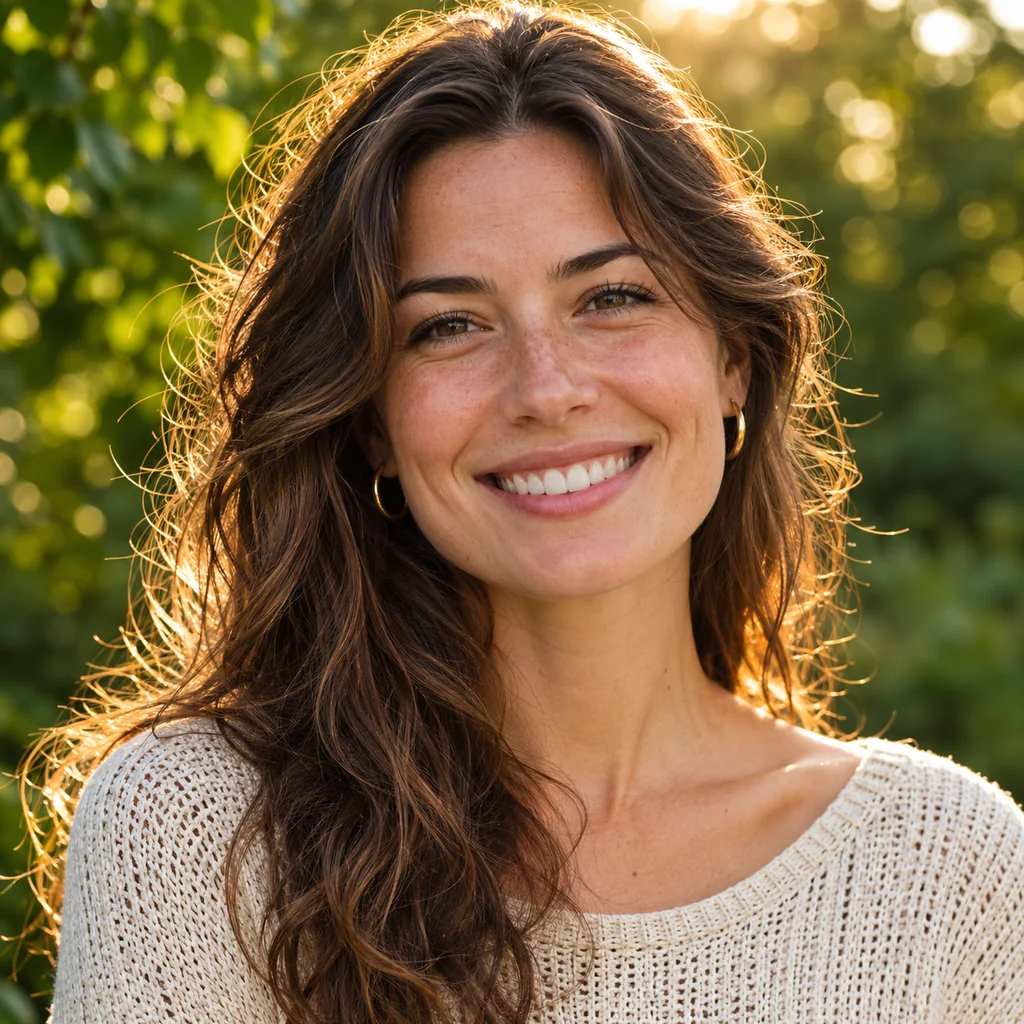
Three looks from the same input: studio white, executive office and outdoor natural — each one a preset inside the AI headshot generator.
What Is an AI Headshot Generator?
An AI headshot generator turns ordinary photos of one person into a finished headshot: it keeps the face, replaces the room, and relights the shot the way a portrait photographer would. The AI headshot generator here is built on Nano Banana 2 (Gemini 3.1 Flash Image) by default, with nine models selectable in the panel.
That is the whole mechanism: your uploads are the identity reference, a preset prompt asks the model to replace the background and relight the face, and each run returns one image. The prompt, every reference photo and the result are moderated before the picture reaches you.
1–9 reference photos
Four preset backdrops
One image per run
Why Use an AI Headshot Generator?
A studio session runs a few hundred dollars and takes a fortnight to schedule. The AI headshot generator returns one usable frame in about ten seconds at 6 credits for 1K, and it can repeat the same backdrop a year later when the photo goes stale — which is the reason most headshots are out of date in the first place.
It will not style you. The AI headshot generator keeps the outfit you upload and only tidies the edges: Studio White clears clutter and distracting accessories, Executive Office smartens the clothing silhouette. There are no free credits either, so budget for 6 credits per 1K frame before you start.
Cost
Same backdrop next year
No scheduling
How to Use an AI Headshot Generator in 3 Steps
Upload 1–9 photos
Pick a backdrop, or write your own
Set ratio and quality, then generate
What This AI Headshot Generator Does
Four backdrops
Chest-up 3:4 framing
Identity locked
Outfit kept, edges tidied
Moderated twice
6 credits at 1K
What the AI headshot generator Costs Here
6 Credits for one 1K headshot on the default model
Credits for one 1K headshot on the default model
4 Backdrop presets inside the AI headshot generator
Backdrop presets inside the AI headshot generator
1 Image returned per run — four backdrops means four runs
Image returned per run — four backdrops means four runs
Frequently Asked Questions
Answered against the shipped behaviour, not the marketing version.
Start with one AI headshot generator run at 1K
Six credits, one frame. If the likeness holds, run the other three backdrops with the same uploads and the set stays consistent.