
AI Teeth Straightener
AI Teeth Straightener — Straighten Teeth in Photo
Upload a photo and line up the visible teeth — lips, gums and skin stay untouched.
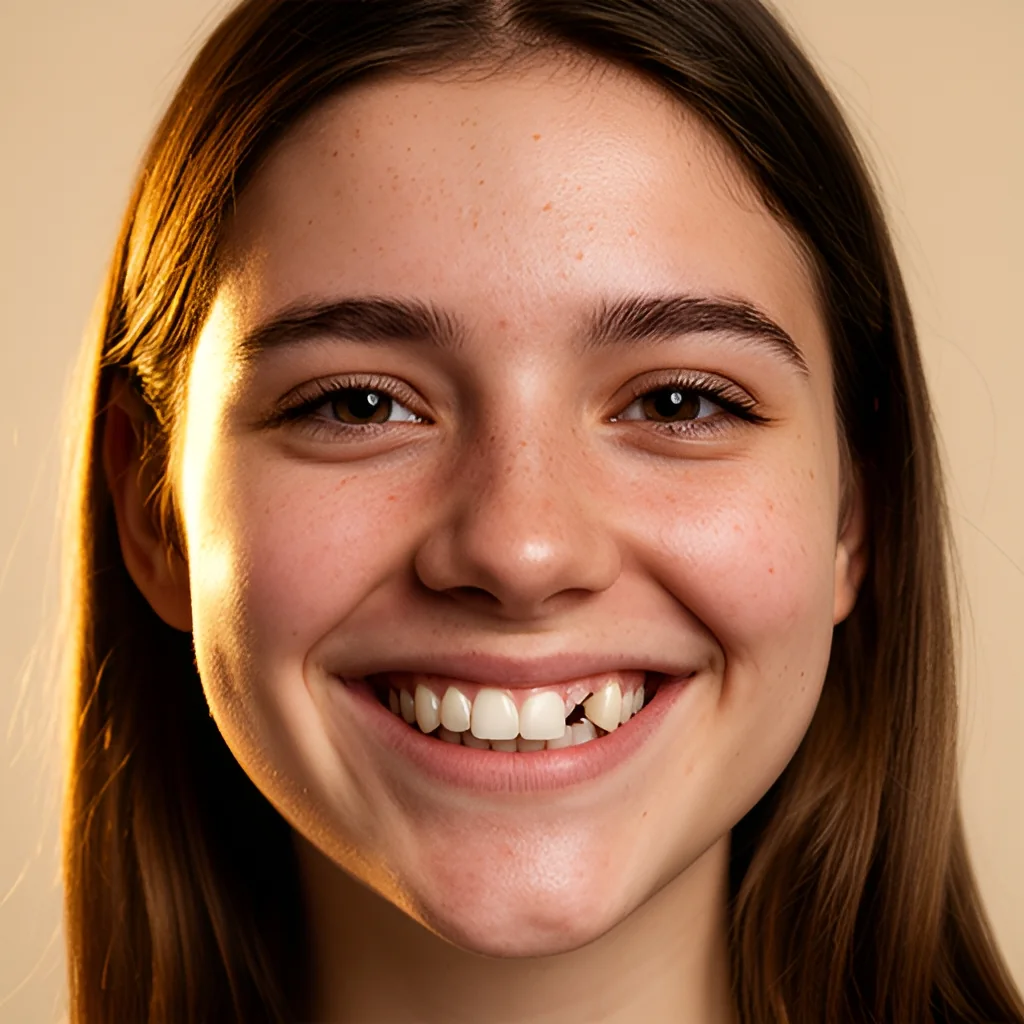
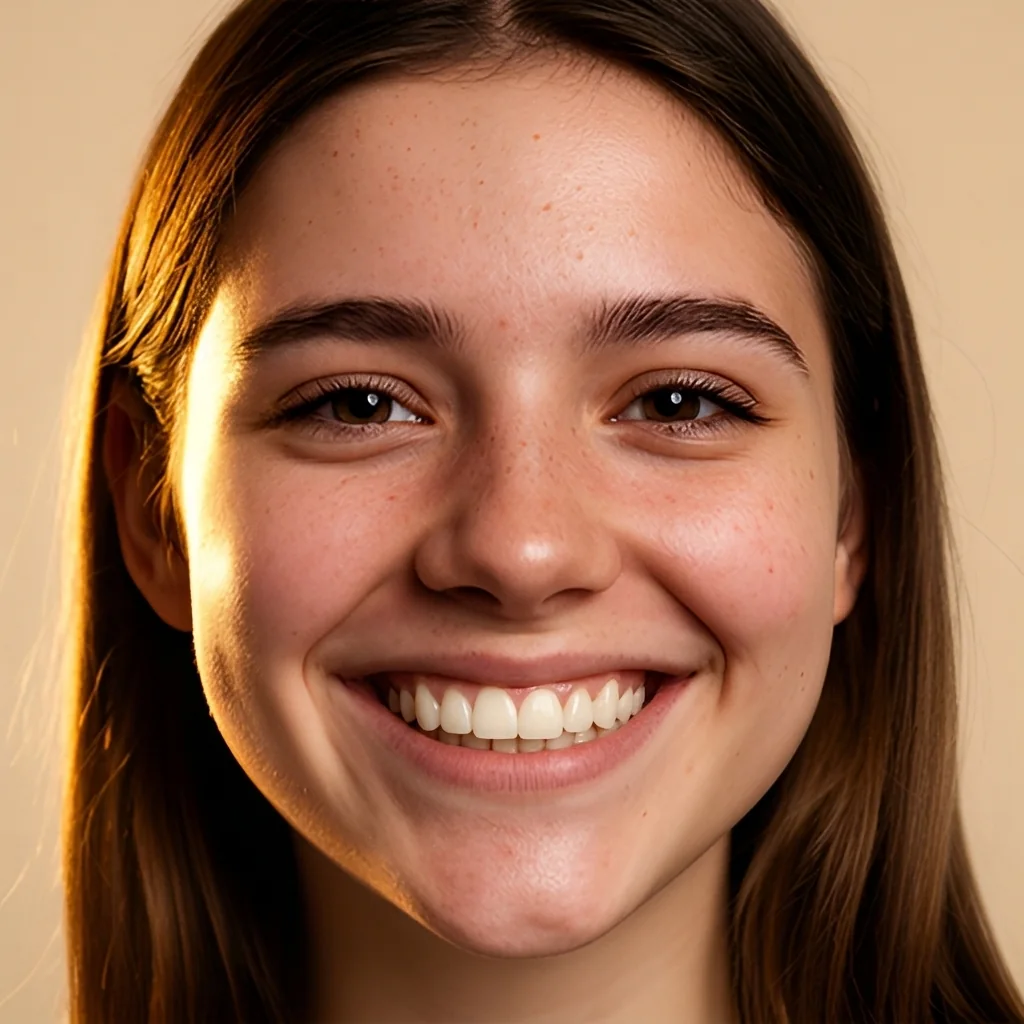
Upload a photo to see the alignment applied to the teeth only.
Why Use an AI Teeth Straightener on a Photo?
A crooked incisor or a small gap pulls attention straight to the mouth, even when everything else in the portrait works. Hand-fixing that means a Liquify pass, a clone stamp, and a lot of undoing; an AI teeth straightener does the alignment in one instruction and leaves the rest of the frame alone.
The scope here is alignment only: the visible teeth are lined up, small gaps close, uneven edges even out. It does not whiten (that is the teeth whitening page) and it does not repair chips (that is the AI teeth fixer). Keeping those jobs separate is what makes each result believable instead of over-retouched.
Alignment only
Natural proportions kept
Three strengths
Straighten Teeth in a Photo Without Photoshop
Aligning teeth by hand is one of the slowest retouches: every tooth has to be nudged without dragging the lips or smearing the gums. Here the AI teeth straightener reads the teeth from the photo, moves them into an even line and keeps the gum line and shadows consistent, so the edit survives a zoom.
It is a photo edit, not a treatment. It cannot change a bite, move teeth that are hidden by lips, or show what braces would do over time. There are no free credits either — 6 credits per 1K edit, 10 at 2K, 12 at 4K.
No Liquify by hand
Gums and lips stay put
Original file untouched
How to Straighten Teeth in a Photo: 3 Steps
Upload a front-facing portrait
Pick an alignment strength
Compare and download
What This AI Teeth Straightener Changes
Crooked front teeth
Small gaps
Uneven edges
Everything else preserved
Before/after view
6 credits at 1K
What Teeth Straightening in a Photo Costs
3 Strengths: Align, Close Gaps, Subtle
Strengths: Align, Close Gaps, Subtle
1 Photo in, one aligned photo out per run
Photo in, one aligned photo out per run
6 Credits for one 1K edit on the default model
Credits for one 1K edit on the default model
Frequently Asked Questions About Teeth Straightening in Photos
What people ask before aligning a smile in a photo.
Even Out the Smile, Keep the Person
One upload, three alignment strengths, 6 credits — the AI teeth straightener corrects the visible teeth and nothing else.