
Add Santa Hat to Photo — nine festive looks from one portrait
Add Santa Hat to Photo
Add a Santa hat to a photo and get one festive portrait per run — 6 credits at 1K.

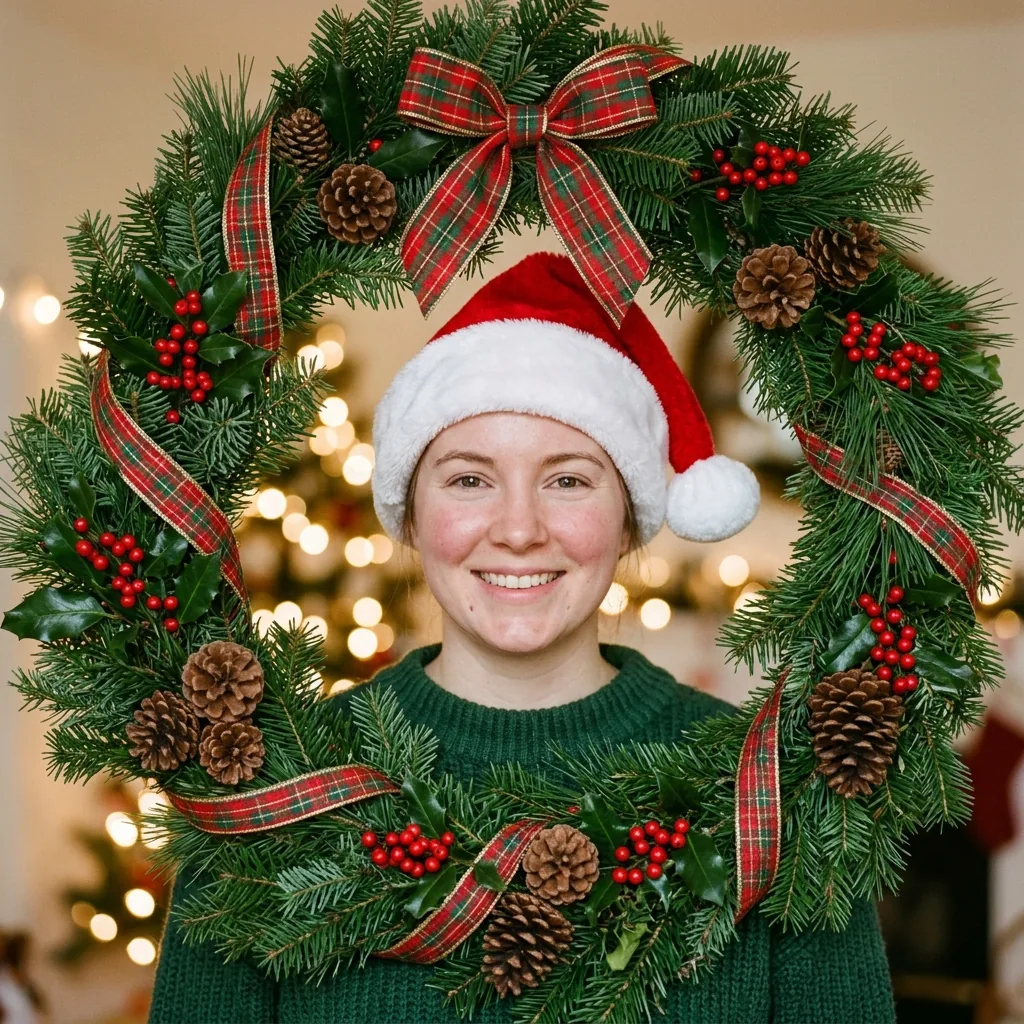
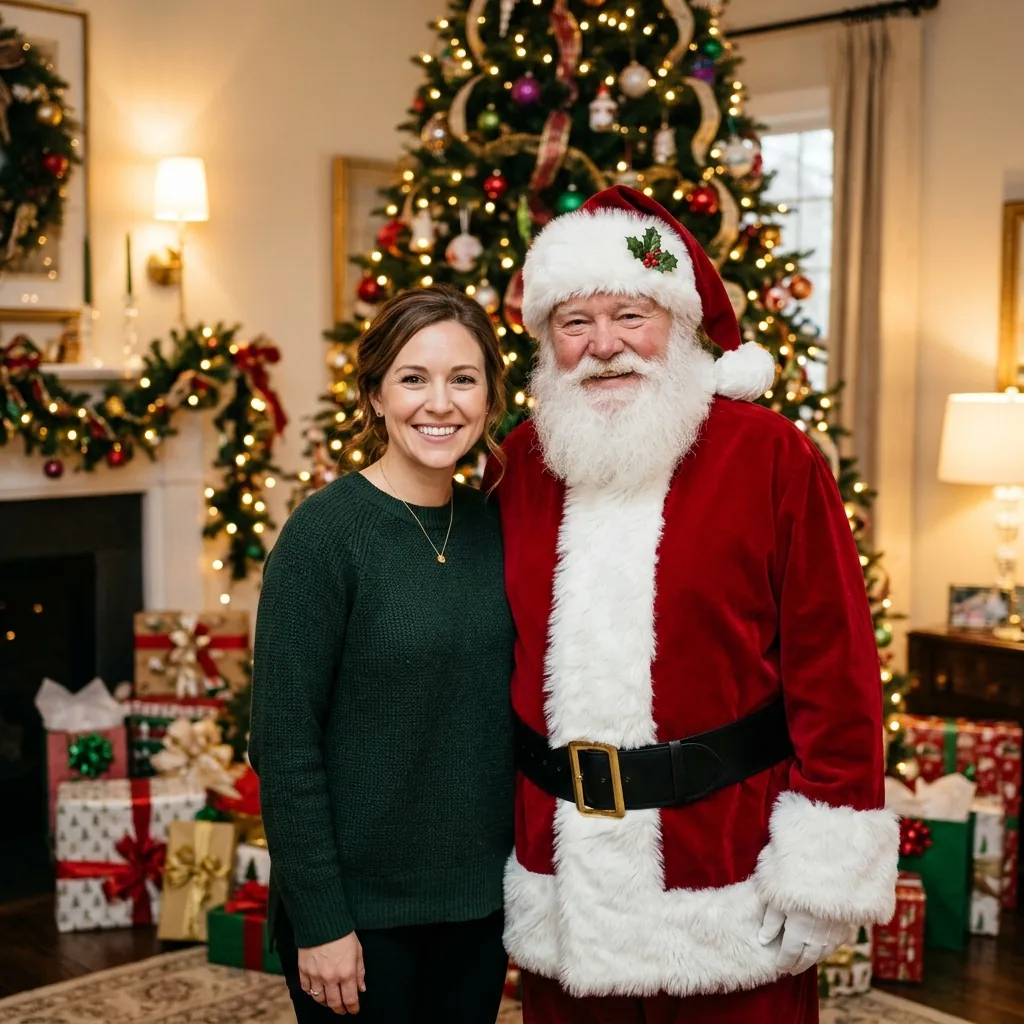
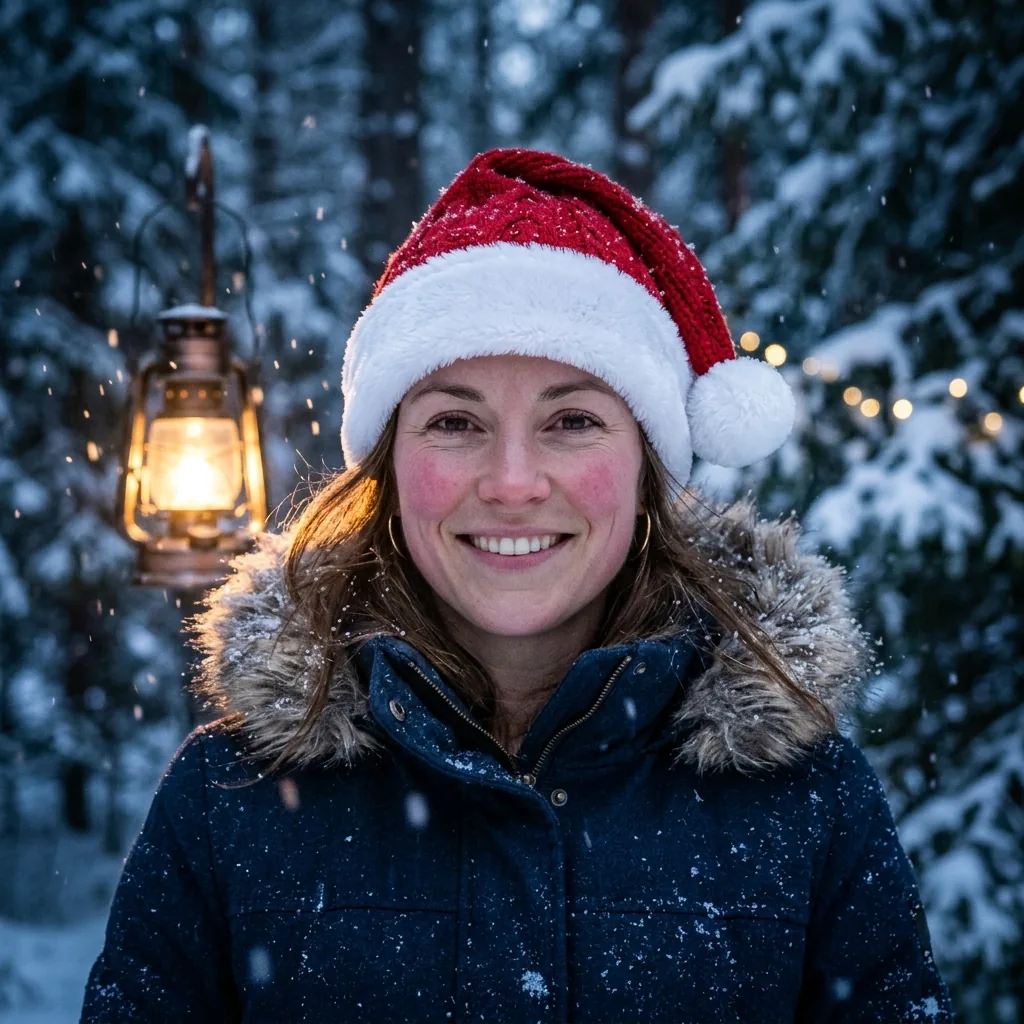
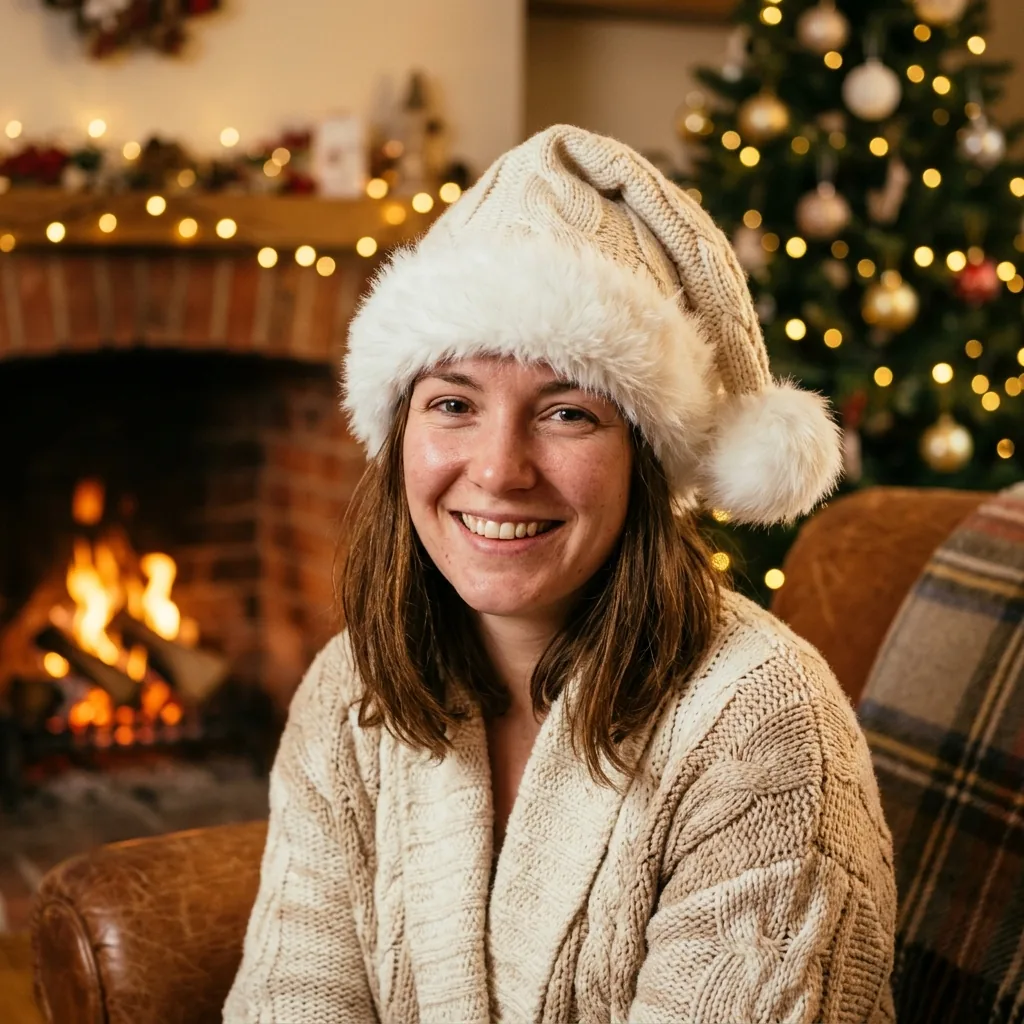
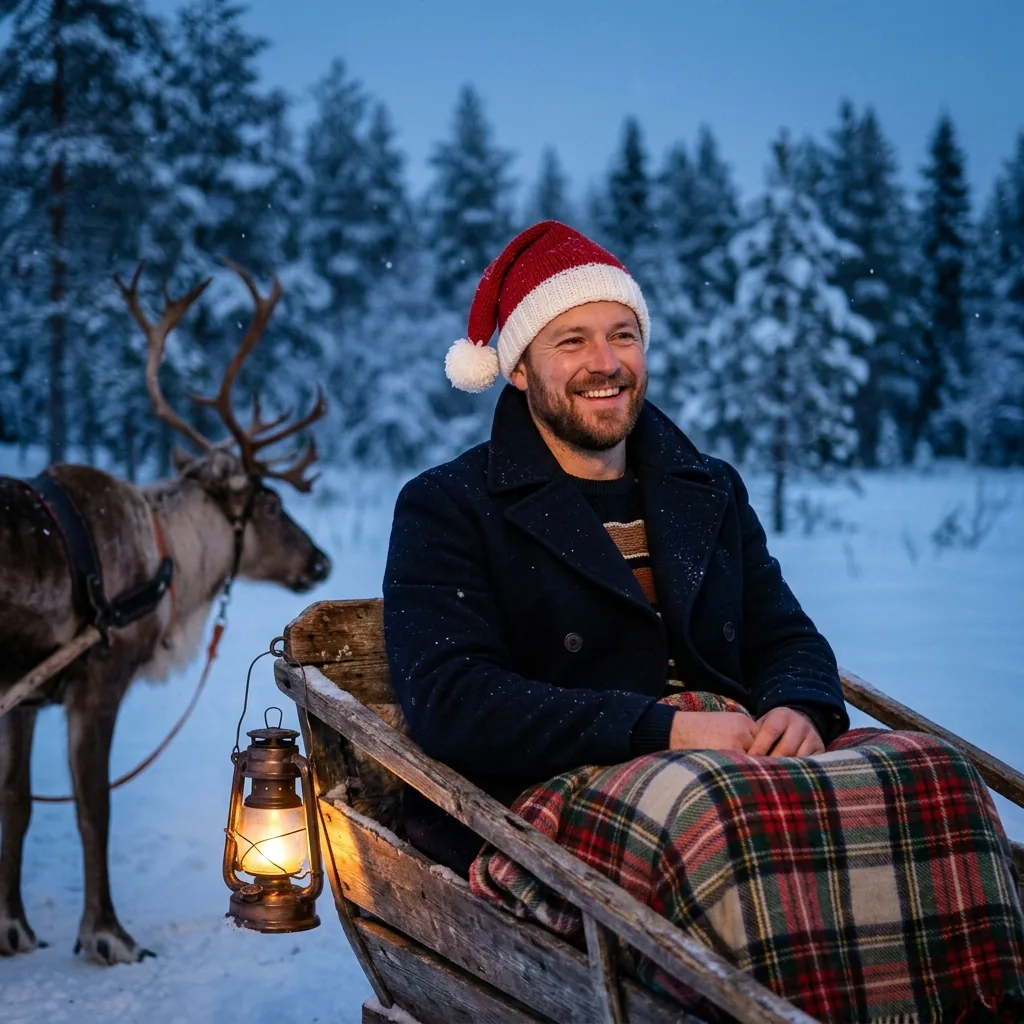
Nine looks from the same Santa hat editor: classic, cozy, random hat, selfie, photo with Santa, cookies with Santa, winter wonderland, sleigh ride and wreath framing.
What Is a Santa Hat Photo Editor?
A Santa hat photo editor puts the hat on without the physical hat: upload a portrait, pick a look, and the model redraws the head with a Santa hat plus a matching Christmas scene. This editor is image-to-image — the face, hair and outfit come from your photo, the hat and the room are generated.
It runs on Nano Banana 2 (Gemini 3.1 Flash Image) by default with nine looks, including two that add a Santa Claus beside you. Each run returns one square image, saved to your account; the prompt, your upload and the result are all moderated, and failed runs are refunded.
One portrait in
Nine festive looks
One photo per run
Why Add a Santa Hat with AI?
A real Santa hat photo needs a hat that fits, decent light and someone willing to take the picture. The Santa hat editor skips all three: one portrait, one look, a finished Christmas photo — and it can repeat the same look next year with a newer photo.
What it will not do is find every face for you. There is no face detection here: the hat is placed by the prompt, so a single clear portrait works best and a crowded group shot often misses people. There are also no free credits: 6 credits per 1K photo, 10 at 2K, 12 at 4K.
No hat, no photoshoot
Still your face
Ready to share
How to Add a Santa Hat in 3 Steps
Upload one portrait
Pick one of nine looks
Generate at 1K square
What This Santa Hat Editor Does
Nine hat looks
Hat placement rules
Identity locked
Scenes included
Moderated twice
6 credits at 1K
What a Santa Hat Photo Costs
9 Hat looks inside the Santa hat editor
Hat looks inside the Santa hat editor
1 Portrait in, one photo out per run
Portrait in, one photo out per run
6 Credits for one 1K photo on the default model
Credits for one 1K photo on the default model
Frequently Asked Questions
What people ask before adding a Santa hat to a photo.
Put a Santa Hat on Your Photo
One portrait, one look, 6 credits — the Santa hat editor returns a festive photo with the hat clearly on.