
GPT Image 2 Generator
GPT Image 2 Image Generator (OpenAI)
OpenAI's image model for prompt-led layouts and readable in-image type, at 1:1, 3:2 or 2:3 from 2 credits.
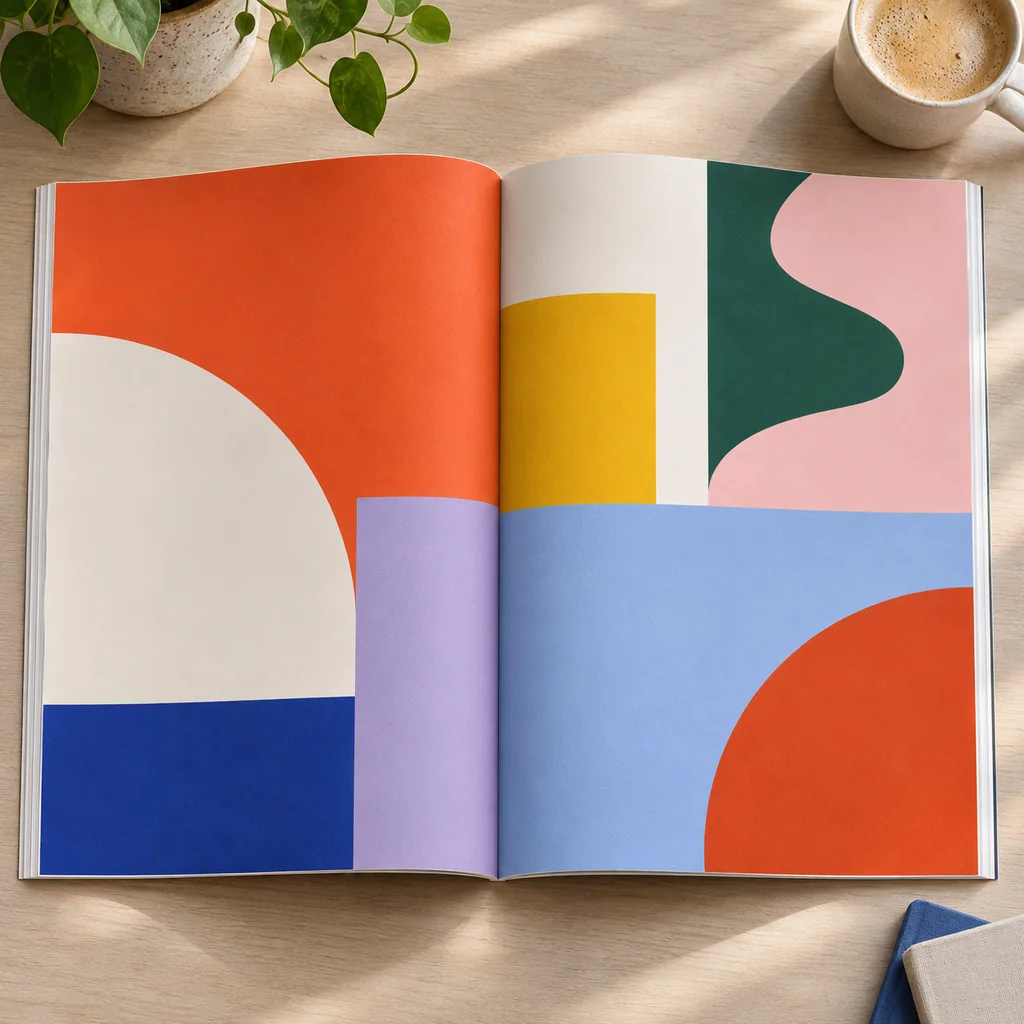
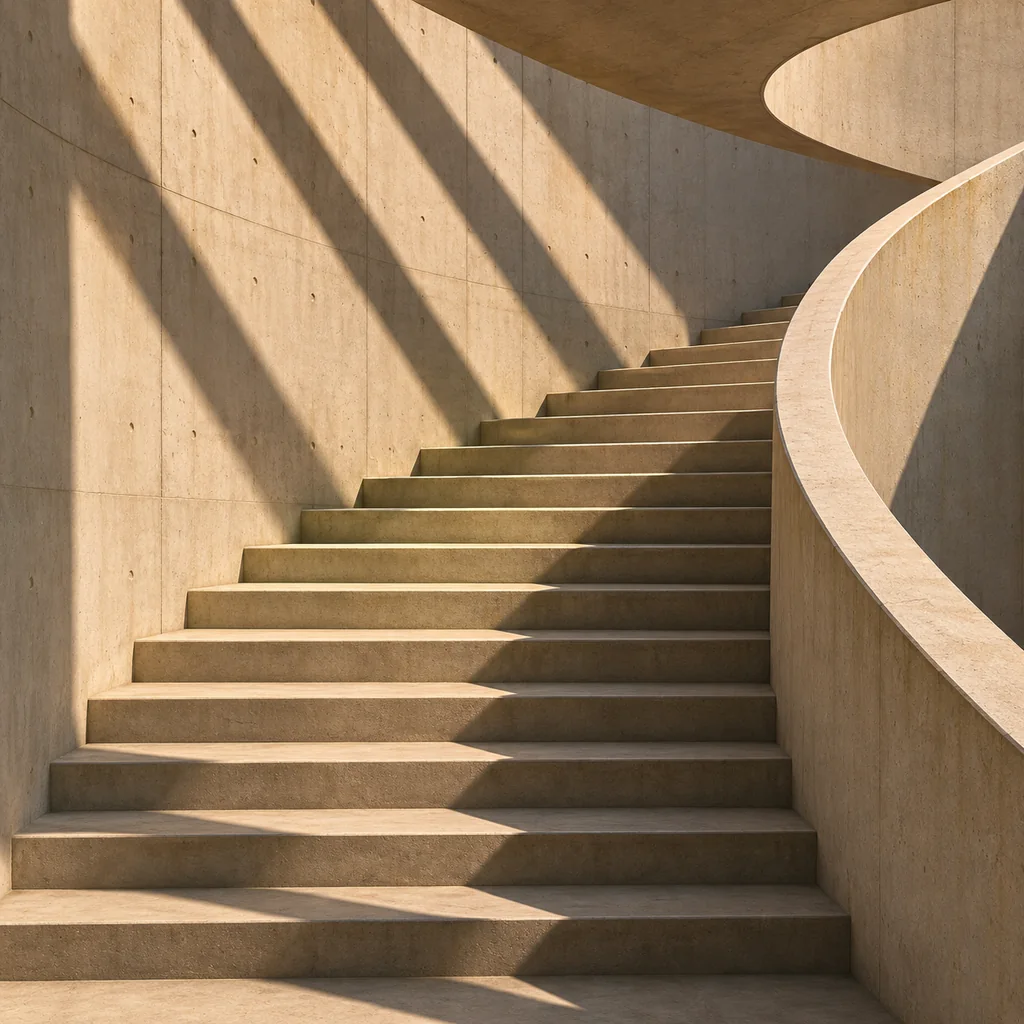
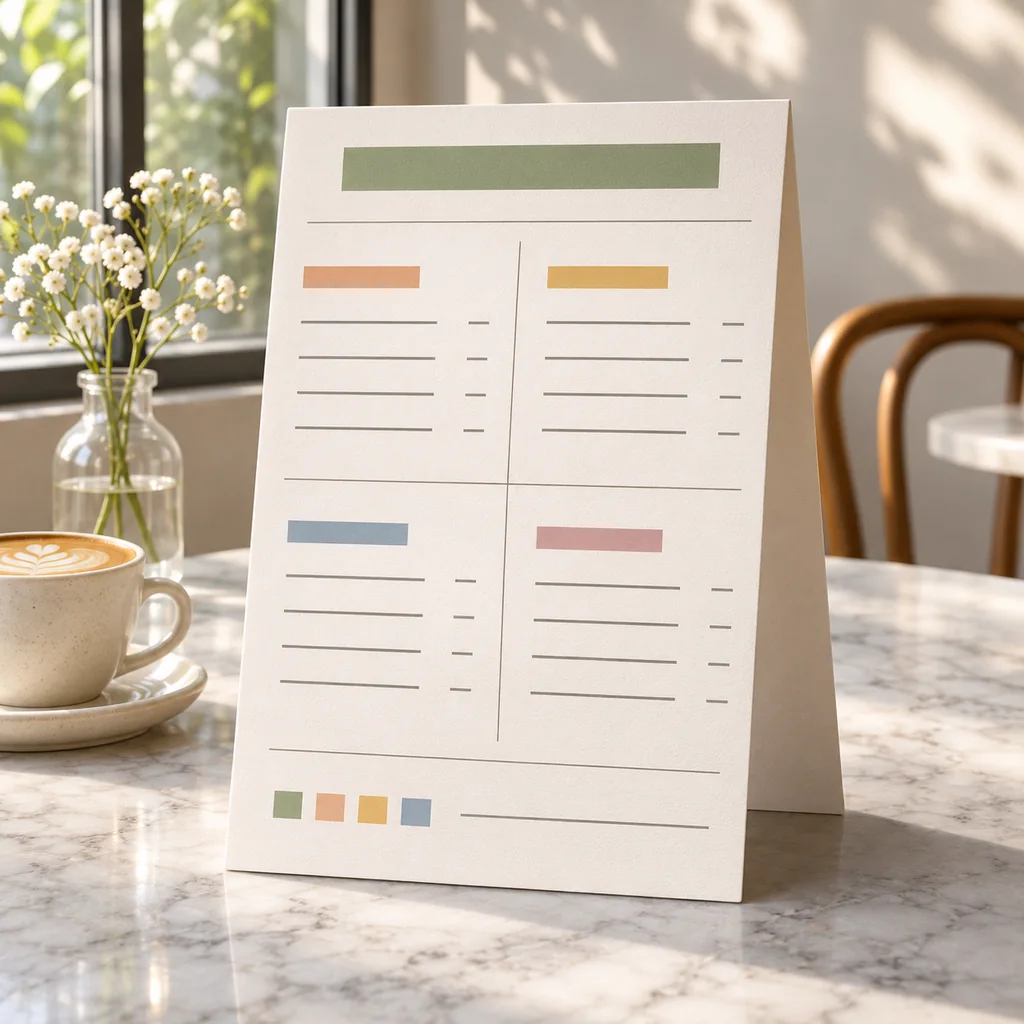
What Is GPT Image 2?
GPT Image 2 — written gpt-image-2 in the API — is OpenAI's image generation model; this page exposes it with the same two modes as the Gemini tiers. GPT Image 2 is OpenAI's image generation model, available here with the same two modes as the Gemini tiers: text to image from a prompt, and image to image with up to 9 uploaded references. Its behaviour is different in one useful way. It treats a prompt as a brief, so statements about placement, hierarchy, negative space and text content are carried into the frame rather than loosely paraphrased.
Settings are also different. Instead of 1K, 2K and 4K, GPT Image 2 uses three quality tiers: low, medium and high. Ratios are 1:1, 3:2 and 2:3, which suit print, editorial and poster frames better than a square-only workflow. Cost scales with both choices: 2 credits at low, 5 to 7 at medium and 17 to 25 at high, with the wider 3:2 and 2:3 frames at the top of each band.
Why Use GPT Image 2 Online?
Most image models are good at subjects and vague about arrangement. GPT Image 2 is the one to reach for when the arrangement is the point: an ad where the headline must sit above the product, a carousel frame that needs clean margins for overlaid text, a poster with a title block and an image window, a mockup where a label lands on a specific face of the box.
Its typography is also its practical advantage. Short strings, wordmarks, badges and price tags are more likely to come back spelled and spaced correctly, which removes a step that used to be done in a design tool. The quality tiers keep that affordable: draft the layout at low quality for 2 credits, move to medium at 5 to 7 once it works, and pay 17 to 25 for the final high-quality pass. If the rendered wording still needs work, Remove Text From Image and Add Outline To Image handle the clean-up.
If you mostly need photographic detail at volume, Gemini 3.1 Flash Image is cheaper per image; for maximum detail on text and materials, compare with Gemini 3 Pro Image. The Flash vs GPT Image 2 comparison lays out the tradeoffs.
How to Use GPT Image 2 in 3 Steps
Write the Brief, Add References
Set Ratio and Quality
Generate and Download
GPT Image 2 Features
Composition Instructions Obeyed
Typography That Holds Up
1:1, 3:2 and 2:3 Frames
Image to Image with References
Three Quality Tiers
From 2 Credits per Image
Cost and Limits at a Glance
GPT Image 2 is priced by quality tier rather than pixel size. These are the real numbers behind the controls.
2-25 Credits per image, from low to high quality, wider ratios at the top of each band
Credits per image, from low to high quality, wider ratios at the top of each band
3 Quality tiers: low, medium and high, replacing the 1K to 4K size steps
Quality tiers: low, medium and high, replacing the 1K to 4K size steps
9 Reference images accepted in a single image-to-image request
Reference images accepted in a single image-to-image request
Frequently Asked Questions
Questions about GPT Image 2 credits, quality tiers, typography and how it differs from the Gemini models.
Build a Layout with GPT Image 2
Write a brief that names positions and wording, test it for 2 credits at low quality, then raise the quality once the composition is right.