
Gemini 3 Pro Image Generator
Nano Banana Pro Image Generator (Gemini 3 Pro Image)
Also known as Gemini 3 Pro Image — sharper detail and cleaner in-image text, from 14 credits at 1K/2K.


What Is Nano Banana Pro (Gemini 3 Pro Image)?
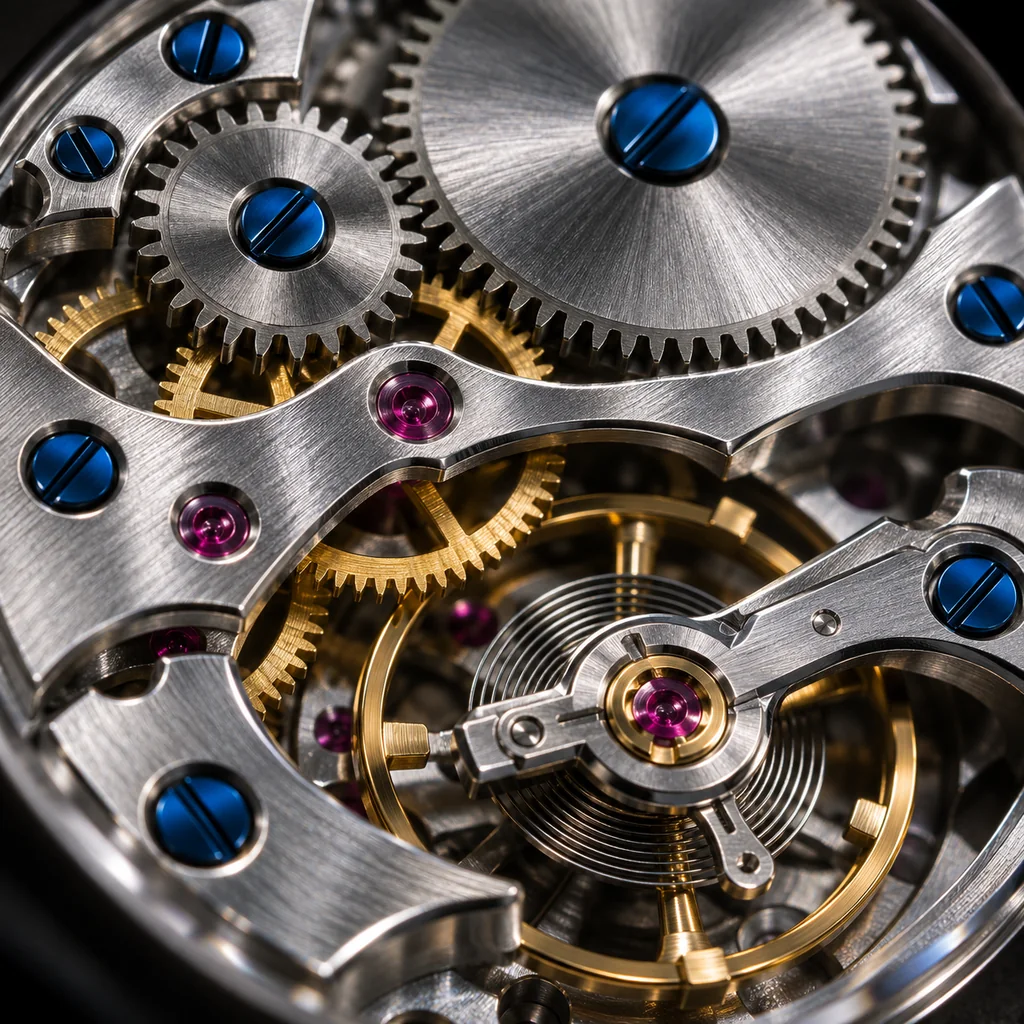
Nano Banana Pro is the common name for Gemini 3 Pro Image, the higher-fidelity tier of Google's Gemini 3 image family. Gemini 3 Pro Image is the higher-fidelity tier of Google's Gemini 3 image family. Both tiers accept a prompt or reference images and return one image, but Pro spends more compute per frame on the parts of an image that break first: small lettering, product edges, skin and metal texture, and the way a subject holds its shape when you generate a second and third shot.
It keeps the same three ratios, 1:1, 3:4 and 4:3, and the same 1K, 2K and 4K sizes, so moving between tiers does not change your workflow. What changes is price: 14 credits at 1K and 2K, 24 at 4K, against 6, 10 and 12 on Gemini 3.1 Flash Image. The practical split is to iterate on Flash and finish on Pro. Current credit packs are listed on the pricing page.
Why Render with Nano Banana Pro (Gemini 3 Pro Image)?
The gap between the two Gemini tiers shows up in exactly the places clients notice. Short strings on packaging, a label on a bottle, a headline on a poster, stitching on a jacket and highlights on metal all hold together better on Pro, which means fewer rejected finals and less time spent fixing a frame by hand.
Reference consistency is the other reason. When you upload up to 9 images of the same product or character, Pro tracks the subject more reliably across ratios and sizes, so a set of shots for a listing or a carousel still reads as one item. It also pays off in the 4K pass: 24 credits is the most expensive single generation here, and it is worth spending only when the frame is already approved. For text that has to be cleaned up or translated afterwards, Remove Text From Image and AI Image Translator cover that step.
For cheap drafts before the final render, send the same prompt to Nano Banana 2 (Gemini 3.1 Flash Image); when the job is text-heavy layouts or OpenAI-style prompting, compare against GPT Image 2.
How to Use Gemini 3 Pro Image in 3 Steps
Describe the Frame or Add References
Choose Ratio and Size
Generate and Download
Gemini 3 Pro Image Features
Legible Text in the Image
Finer Detail at Full Size
Reference Consistency up to 9 Images
1:1, 3:4 and 4:3 Framing
1K, 2K and 4K Output
Predictable Credit Pricing
Pro Tier Numbers
The exact credit costs and limits for Gemini 3 Pro Image, so you can budget a set of images before you start.
14 Credits per image at 1K and 2K, for text to image and image to image alike
Credits per image at 1K and 2K, for text to image and image to image alike
24 Credits for a 4K render, the best spent on an already approved frame
Credits for a 4K render, the best spent on an already approved frame
9 Reference images accepted in one image-to-image request
Reference images accepted in one image-to-image request
Frequently Asked Questions
Questions about Gemini 3 Pro Image credits, text rendering, reference images and when the extra cost pays off.
Render Your Final Frame with Gemini 3 Pro Image
Write the prompt, attach the references you already have, and run a 1K or 2K image for 14 credits. Move to 4K at 24 credits only once the frame is right.