
GPT Image 2.6 Flare Image Generator - Fast High-Quality Output
GPT Image 2.6 Flare Image Generator
OpenAI's 2.6 speed tier — denser detail than 2.5, roughly 50% faster than 2.5, from 3 credits.

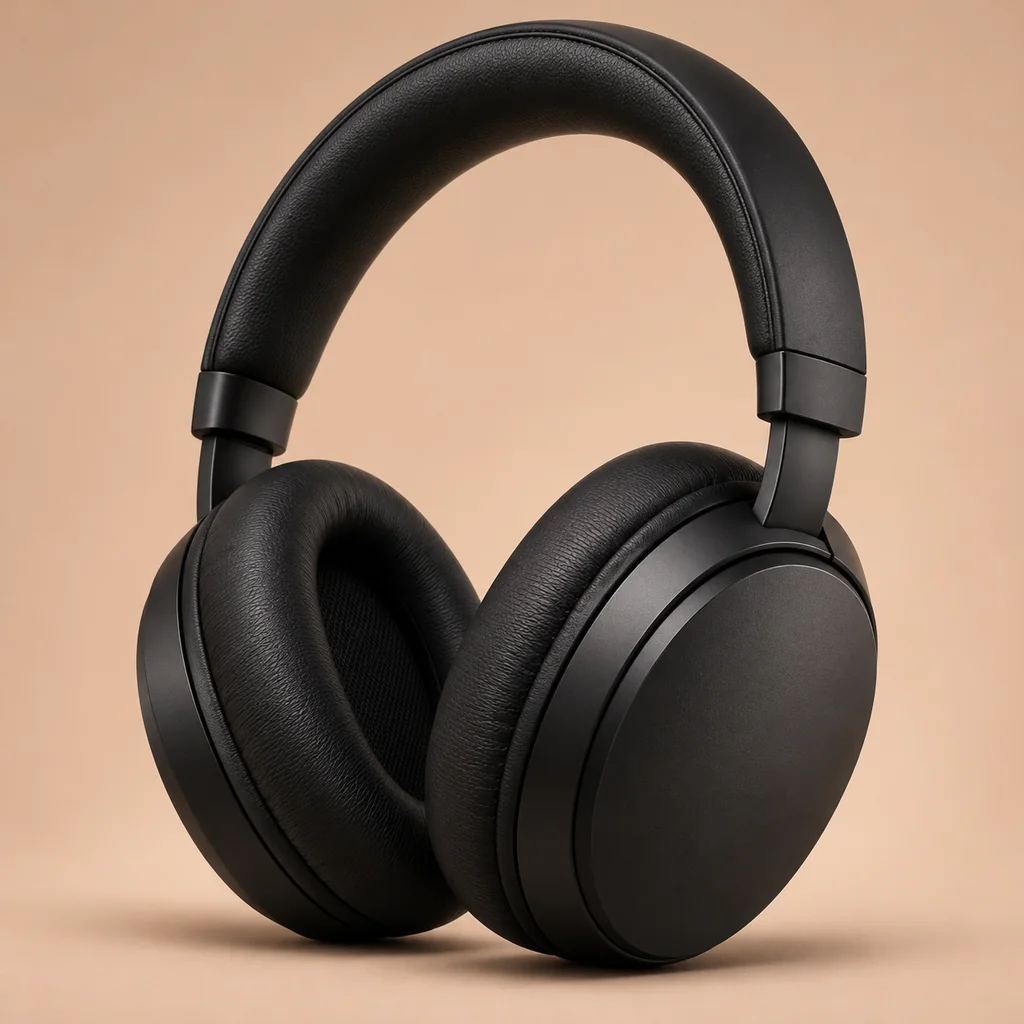
What Is GPT Image 2.6 Flare?
GPT Image 2.6 Flare is the speed tier of the 2.6 series: the detail of the newer generation, with the iteration rhythm of the previous one. OpenAI positions 2.6 as roughly 50% faster than 2.5 while rendering denser coverage — texture, small objects and material edges come out less mushy.
On this page a frame costs 3 credits at low quality, 5 at medium and 6 at high, at 1:1, 3:4 or 16:9, with up to 16 reference images. It is the model to use when a draft already has to look presentable — client previews, product listings, campaign stills.
Denser detail
~50% faster than 2.5
Up to 16 references
Why Pay 3 Credits for 2.6 Flare Instead of 1 for 2.5?
Because the output stops looking like a draft. 2.5 Flare is ideal for exploring, but its frames often need a second pass before they can go in front of a client. 2.6 Flare renders denser detail on the first pass — for a preview or a listing image, that can save a whole round of regeneration.
Rule of thumb: explore on 2.5, present on 2.6 Flare, print from 2.6 Sunburst or a Gemini 2K/4K render.
Presentable first pass
Speed retained
Clear tier ladder
How to Generate With GPT Image 2.6 Flare
Choose ratio and quality
Write for detail, not just subject
Attach references for consistency
GPT Image 2.6 Flare Features
Denser texture
Faster than 2.5
3 / 5 / 6 credits
1:1, 3:4, 16:9
16 references
Text and image input
Measured Cost per Frame
3 Credits at low quality (measured $0.0248)
Credits at low quality (measured $0.0248)
5 Credits at medium quality (measured $0.0435)
Credits at medium quality (measured $0.0435)
6 Credits at high quality (measured $0.0528)
Credits at high quality (measured $0.0528)
Frequently Asked Questions
What people ask about GPT Image 2.6 Flare.
Generate Presentable Frames With 2.6 Flare
Newer-generation detail, 3–6 credits per image, 16 references — the first pass is already usable.