
GPT Image 2.6 Sunburst Image Generator - Highest Detail Output
GPT Image 2.6 Sunburst Image Generator
OpenAI's detail-first tier — dense texture and exact edits at roughly twice the speed of 2.5.
What Is GPT Image 2.6 Sunburst?
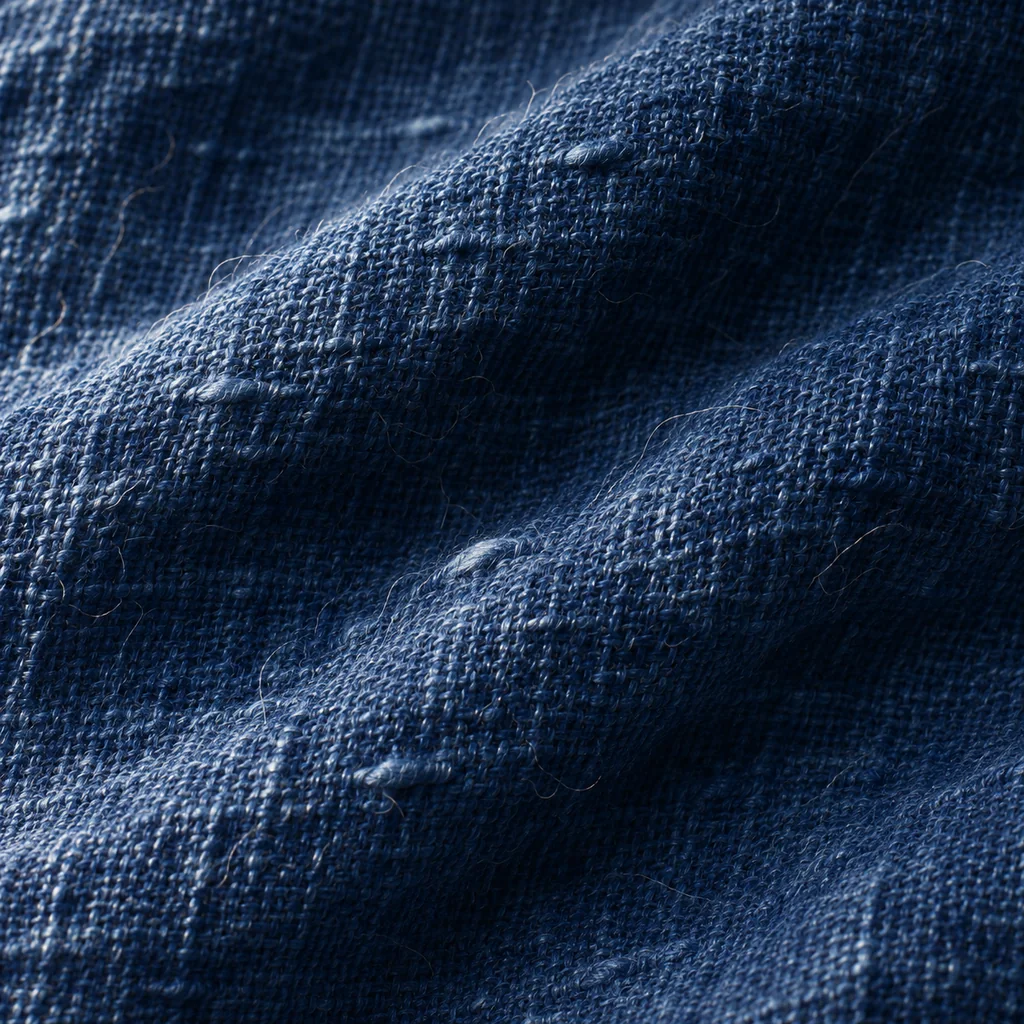
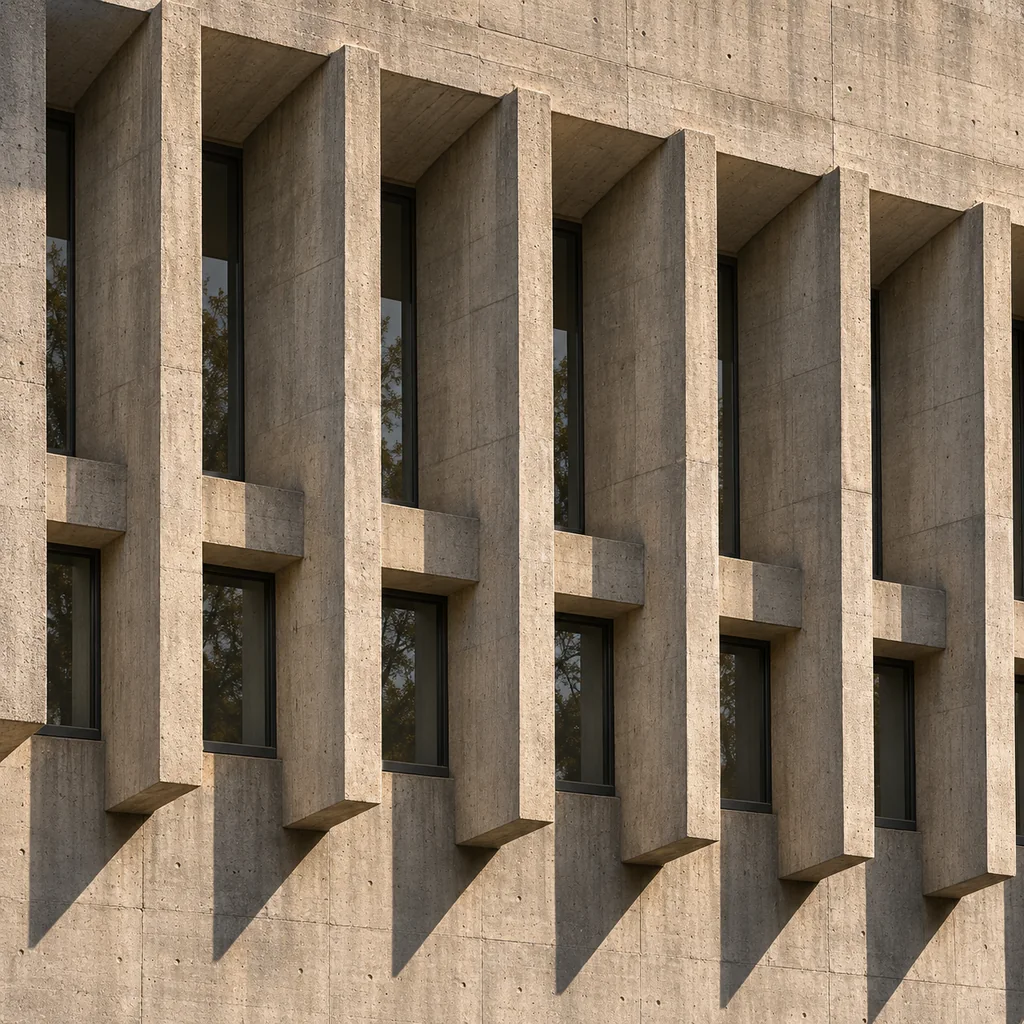
GPT Image 2.6 Sunburst is the detail tier of the 2.6 series. It is the one to use when the subject is material: woven fabric, brushed metal, skin, printed texture, architectural edges — the places where a model that smooths things out gets caught immediately. OpenAI describes 2.6 as optimised for dense coverage at roughly 50% faster generation than 2.5.
Pricing matches Flare: 3 credits at low, 5 at medium, 6 at high, with 1:1, 3:4 and 16:9 output and up to 16 references. The difference is what the same credits buy — detail instead of speed.
Detail-first
Exact edits
~50% faster than 2.5
When Is 2.6 Sunburst Worth It?
Use it when the image will be inspected: a product macro, a textile close-up, a menu or poster mockup, a frame where the material is the message. Sunburst holds that detail and — just as important — keeps it consistent when you edit one part of the frame.
For thumbnails and quick concepts, 2.5 Flare at one credit is still the saner choice. Sunburst pays off exactly where a viewer will look closely.
Material fidelity
Edit without drift
Still iterative
How to Generate Detail With 2.6 Sunburst
Put the material in the prompt
Choose quality deliberately
Inspect at full size
GPT Image 2.6 Sunburst Features
Dense texture
Exact local edits
3 / 5 / 6 credits
1:1, 3:4, 16:9
16 references
Faster than 2.5
Measured Cost per Frame
3 Credits at low quality (measured $0.0248)
Credits at low quality (measured $0.0248)
5 Credits at medium quality (measured $0.0435)
Credits at medium quality (measured $0.0435)
6 Credits at high quality (measured $0.0528)
Credits at high quality (measured $0.0528)
Frequently Asked Questions
What people ask about GPT Image 2.6 Sunburst.
Render Detail With 2.6 Sunburst
Dense texture, exact edits, 3–6 credits per frame — for images that will be inspected.